Frederick Jr.
A gamer dad, new to PC building experience for less than a year and enjoys learning new stuffs about computers.
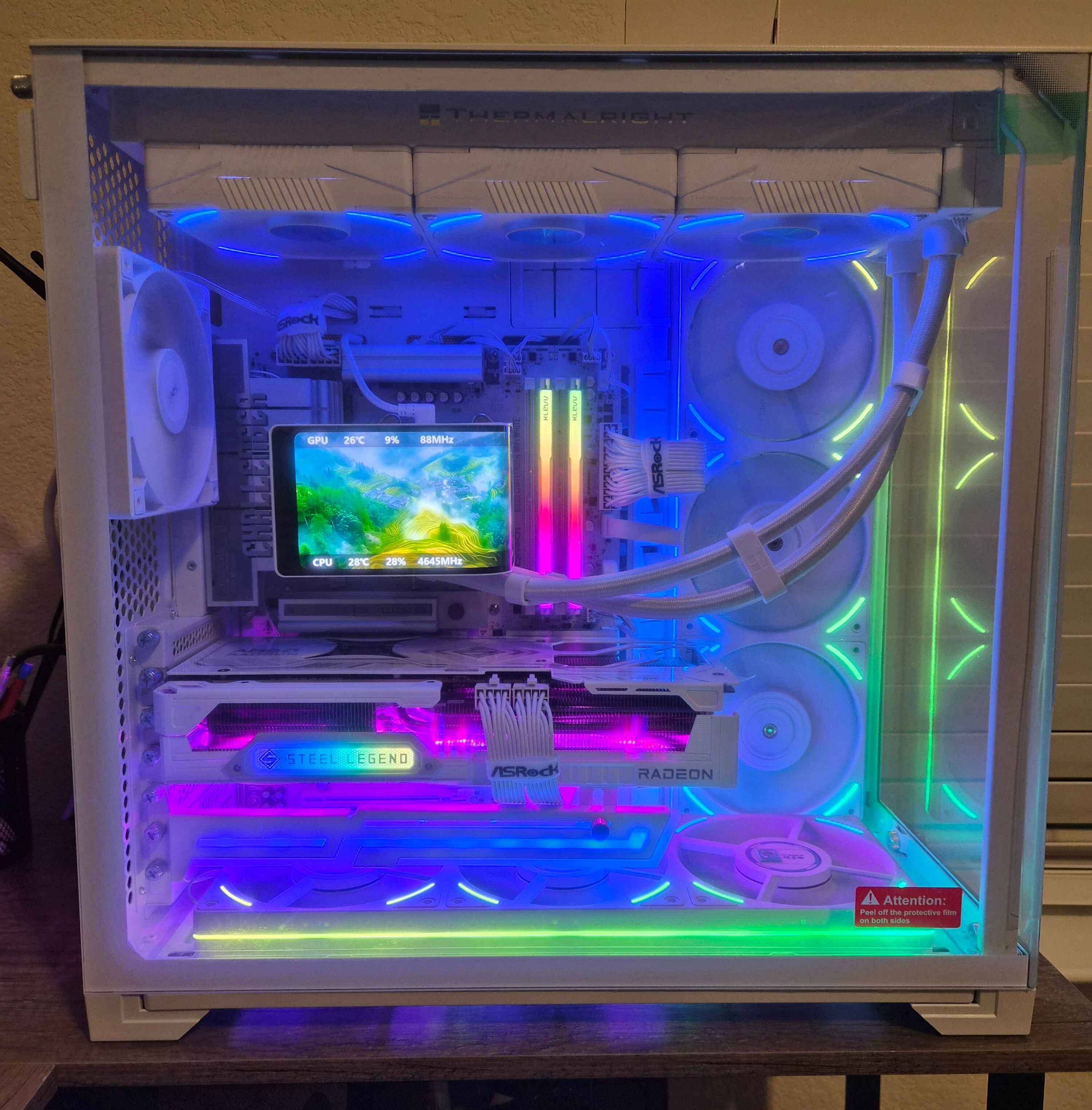
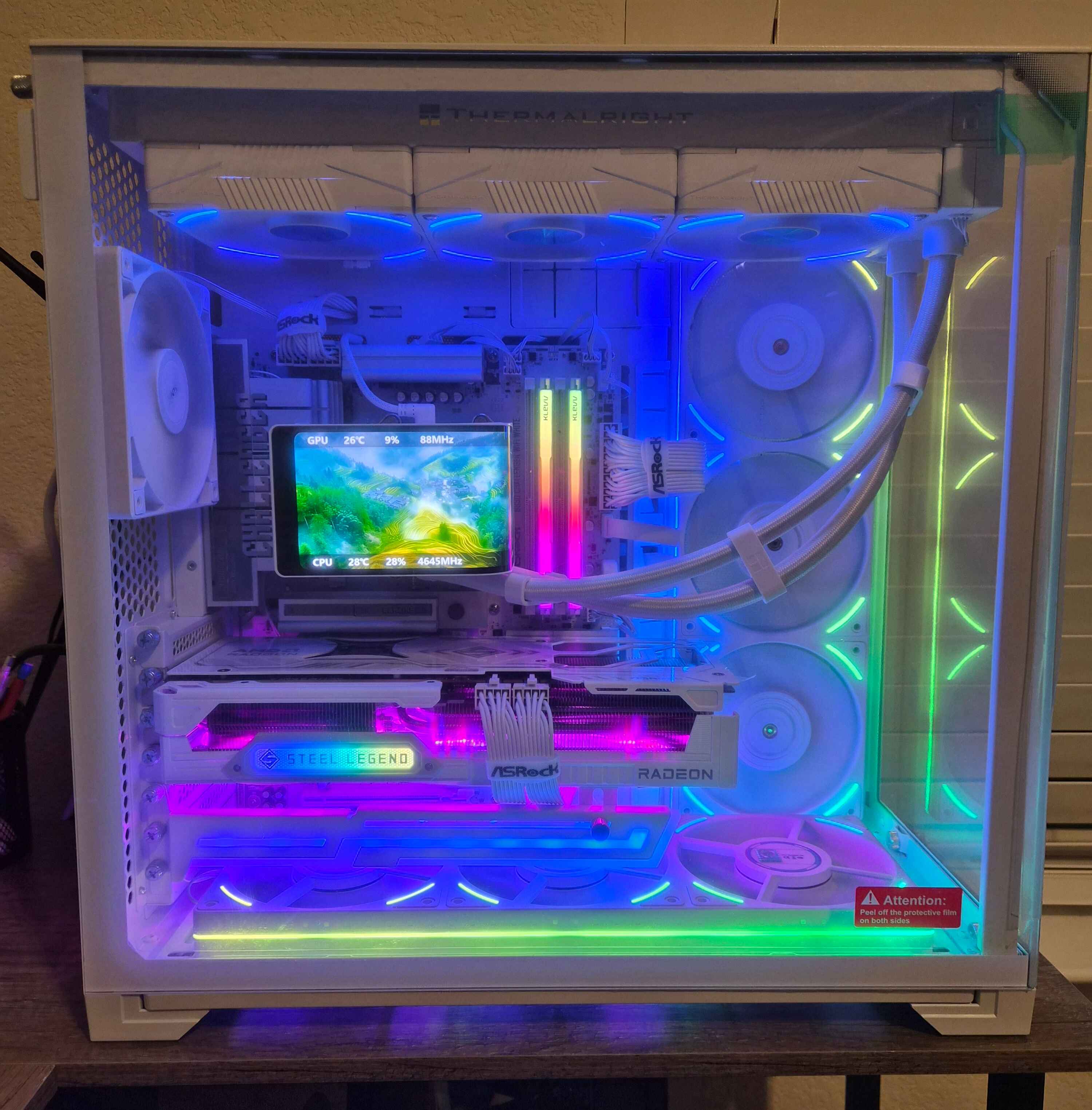 Building and gaming on the ASRock B850 Challenger White motherboard has been a genuinely satisfying experience, especially when paired with the ASRock RX 9070 XT Steel Legend GPU and the AMD Ryzen 9 9800X3D. From both an aesthetic and performance standpoint, this setup feels thoughtfully balanced for high-end gaming while still being approachable for enthusiasts who want reliability without unnecessary complexity.
Visually, the B850 Challenger White stands out immediately. The clean white PCB and subtle accents pair perfectly with the white Steel Legend GPU, creating a cohesive, modern build that feels intentional rather than flashy. ASRock’s attention to visual consistency really shines here, especially for anyone aiming for a white-themed setup. Cable management was straightforward, and the board layout felt intuitive, with clearly labeled headers and ample spacing around the CPU socket, which made installation smooth and stress-free.
Performance-wise, the motherboard has proven to be a solid foundation for the Ryzen 9 9800X3D. Boot times are very quick, BIOS navigation is user-friendly, and memory tuning was relatively painless. Stability has been excellent so far—no random crashes, no strange compatibility issues, and no thermal concerns. The VRM design handles the 9800X3D confidently, even during extended gaming sessions, and temperatures remain well within comfortable ranges.
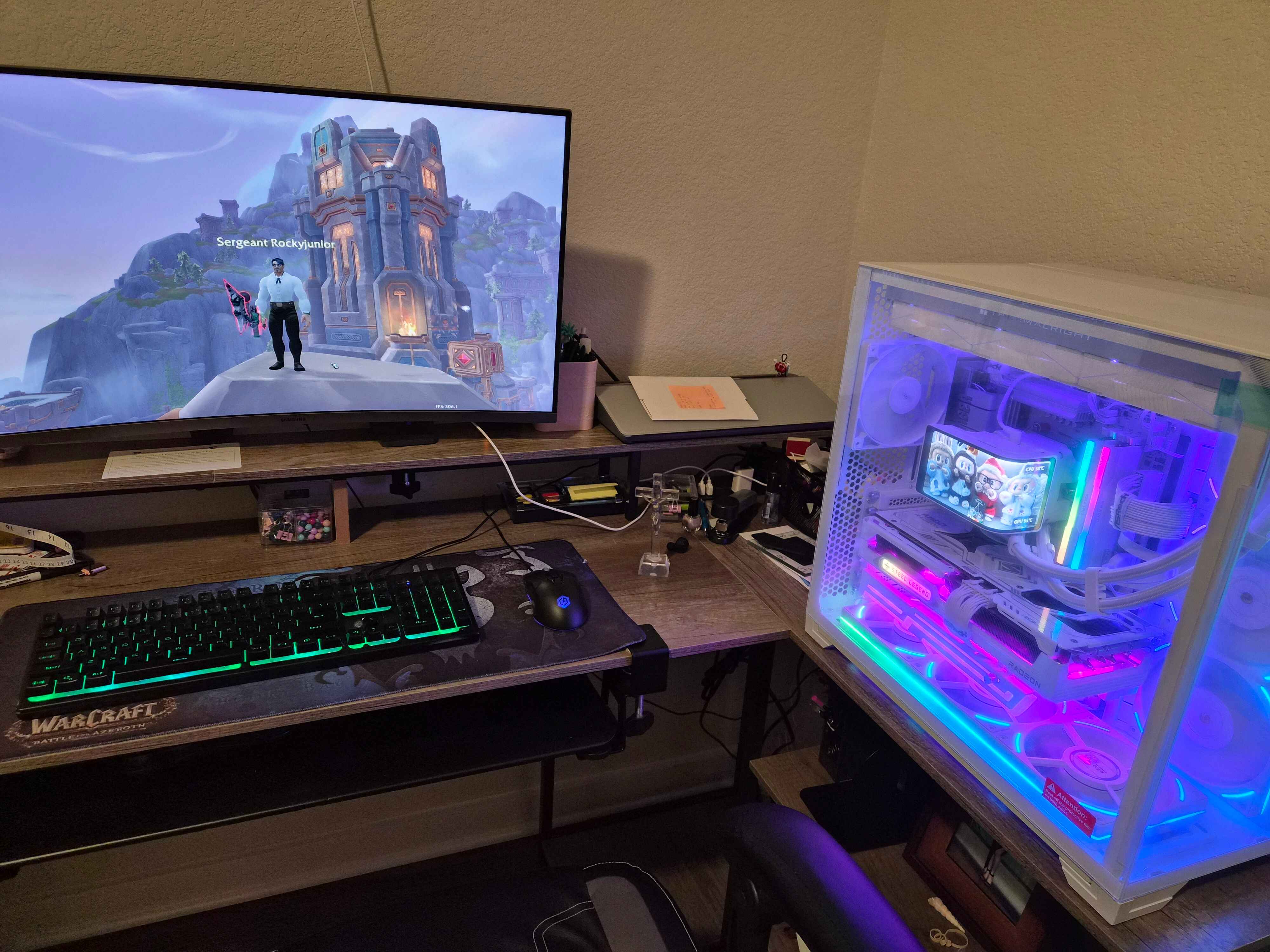
Gaming on this system, particularly in World of Warcraft: The War Within, has been an impressive experience. The combination of the 3D V-Cache on the 9800X3D and the power of the 9070 XT results in consistently smooth gameplay, even in demanding scenarios like large-scale raids, world events, and densely populated cities. Frame rates remain stable during intense encounters where WoW traditionally struggles, and loading times are noticeably shorter, which enhances overall immersion.
The B850 Challenger White doesn’t try to overcomplicate things with unnecessary features, but it delivers exactly what matters: stability, solid performance, and compatibility with high-end components. For gamers who want a dependable motherboard that complements both performance-focused hardware and a clean aesthetic, it hits a very comfortable sweet spot.
Overall, my experience with the ASRock B850 Challenger White motherboard has been overwhelmingly positive. It has proven itself as a reliable backbone for a high-performance gaming system, and paired with the RX 9070 XT Steel Legend and Ryzen 9 9800X3D, it delivers a smooth, visually pleasing, and immersive gaming experience—especially in my favorite game, World of Warcraft: The War Within.
Building and gaming on the ASRock B850 Challenger White motherboard has been a genuinely satisfying experience, especially when paired with the ASRock RX 9070 XT Steel Legend GPU and the AMD Ryzen 9 9800X3D. From both an aesthetic and performance standpoint, this setup feels thoughtfully balanced for high-end gaming while still being approachable for enthusiasts who want reliability without unnecessary complexity.
Visually, the B850 Challenger White stands out immediately. The clean white PCB and subtle accents pair perfectly with the white Steel Legend GPU, creating a cohesive, modern build that feels intentional rather than flashy. ASRock’s attention to visual consistency really shines here, especially for anyone aiming for a white-themed setup. Cable management was straightforward, and the board layout felt intuitive, with clearly labeled headers and ample spacing around the CPU socket, which made installation smooth and stress-free.
Performance-wise, the motherboard has proven to be a solid foundation for the Ryzen 9 9800X3D. Boot times are very quick, BIOS navigation is user-friendly, and memory tuning was relatively painless. Stability has been excellent so far—no random crashes, no strange compatibility issues, and no thermal concerns. The VRM design handles the 9800X3D confidently, even during extended gaming sessions, and temperatures remain well within comfortable ranges.
Gaming on this system, particularly in World of Warcraft: The War Within, has been an impressive experience. The combination of the 3D V-Cache on the 9800X3D and the power of the 9070 XT results in consistently smooth gameplay, even in demanding scenarios like large-scale raids, world events, and densely populated cities. Frame rates remain stable during intense encounters where WoW traditionally struggles, and loading times are noticeably shorter, which enhances overall immersion.
The B850 Challenger White doesn’t try to overcomplicate things with unnecessary features, but it delivers exactly what matters: stability, solid performance, and compatibility with high-end components. For gamers who want a dependable motherboard that complements both performance-focused hardware and a clean aesthetic, it hits a very comfortable sweet spot.
Overall, my experience with the ASRock B850 Challenger White motherboard has been overwhelmingly positive. It has proven itself as a reliable backbone for a high-performance gaming system, and paired with the RX 9070 XT Steel Legend and Ryzen 9 9800X3D, it delivers a smooth, visually pleasing, and immersive gaming experience—especially in my favorite game, World of Warcraft: The War Within.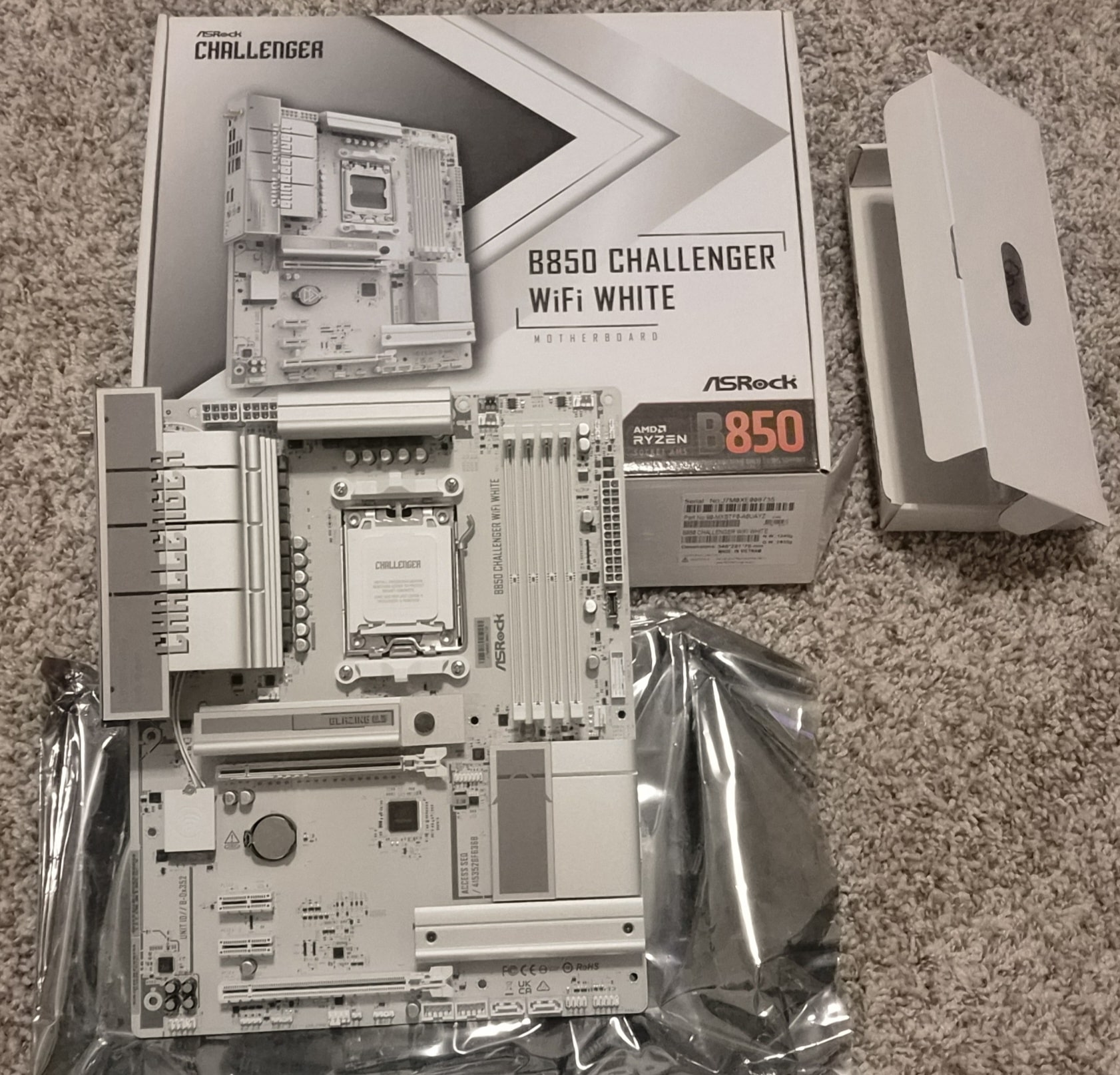
2025-12-08
B850 Challenger Unboxed!

2025-12-24
My PC Building Begins (12.19.2025)
2025-12-26
Trying out my game
2025-12-26
(12.25.25) PC build complete! Game on!
GarcTech
Tech Enthusiast who loves all things PC. Uses his workstation for remote software sales, gaming, and tech related content creation!
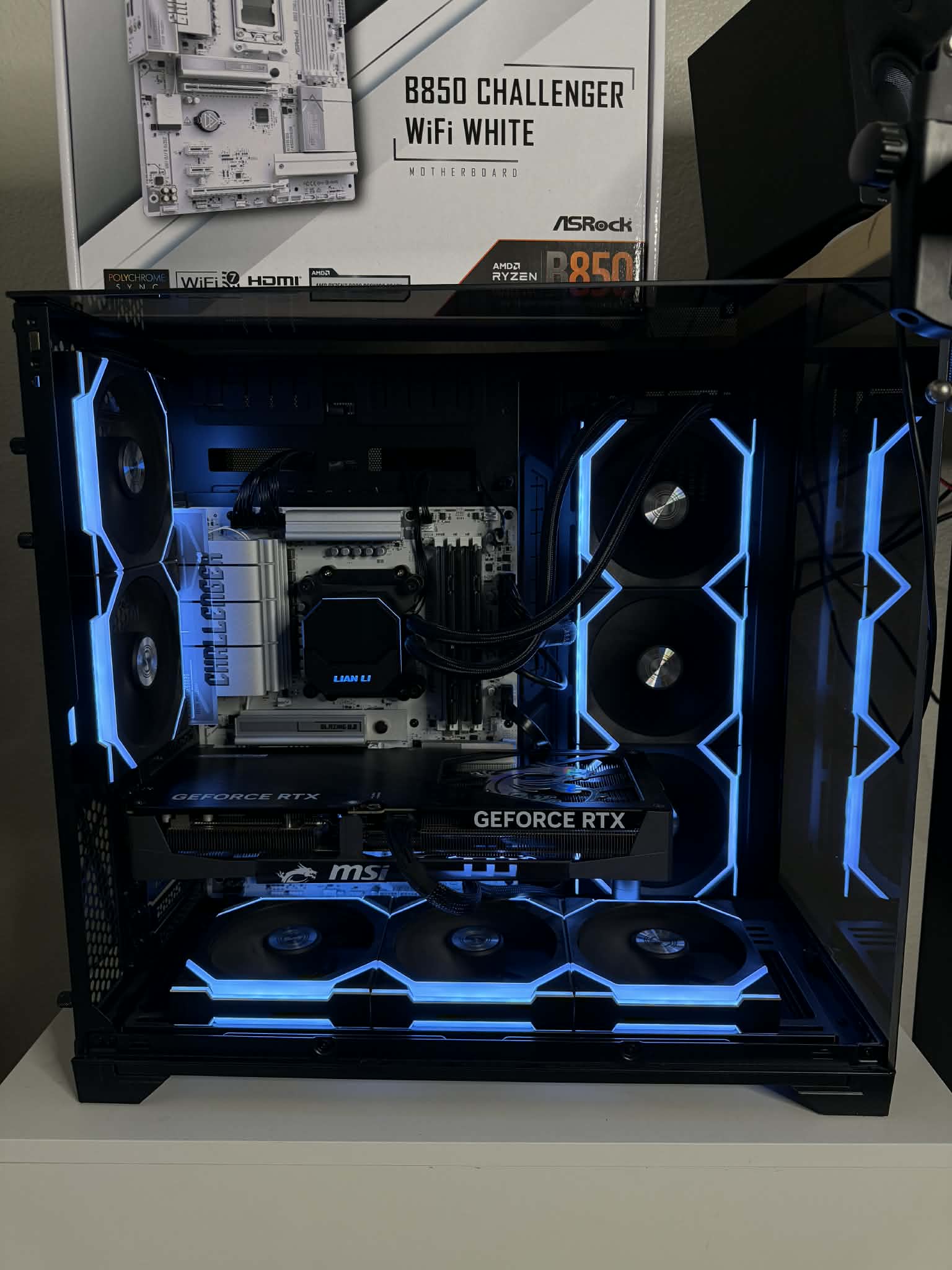
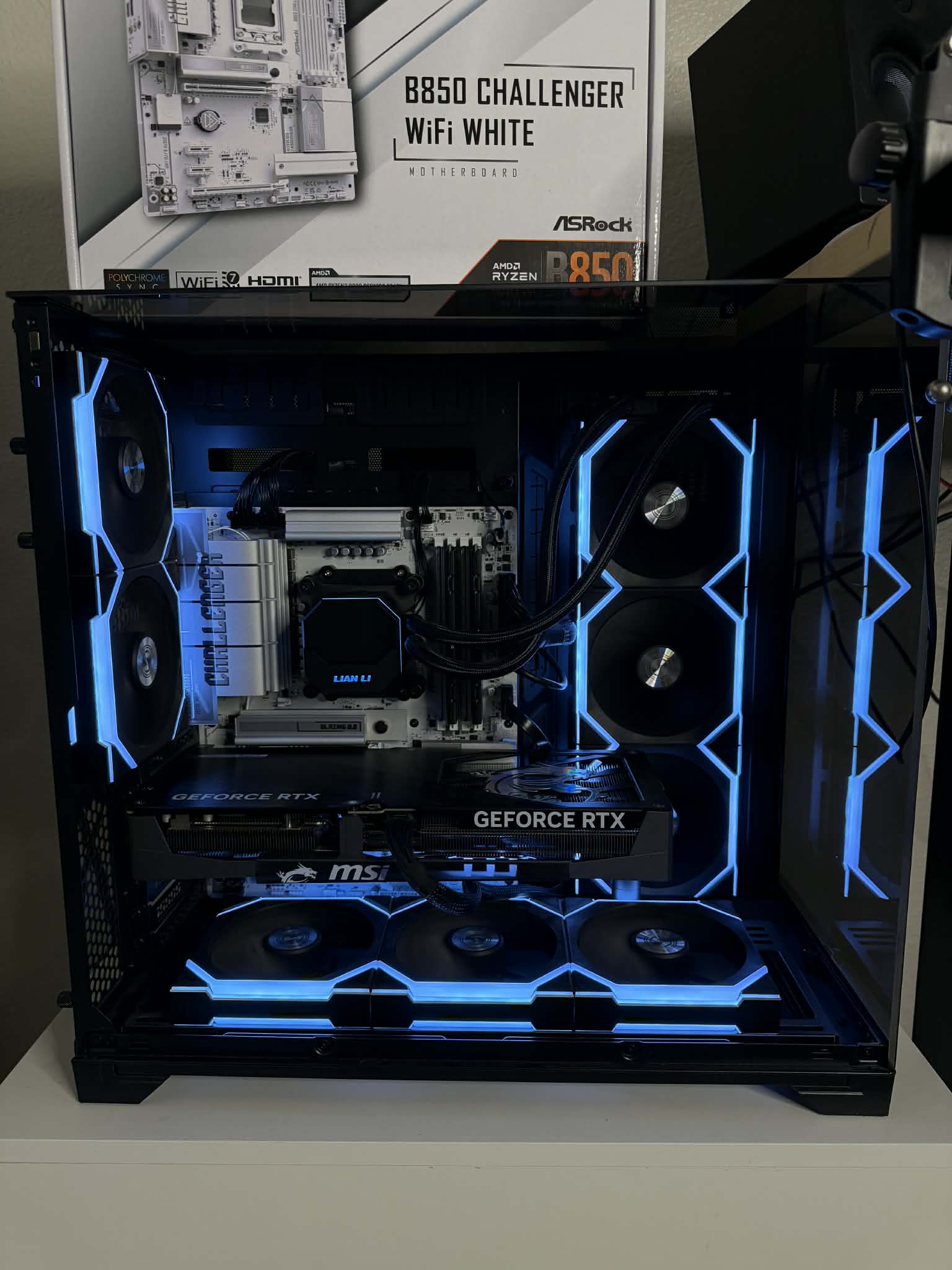 The ASRock B850 Challenger Wifi is a great motherboard option for anyone moving to the AM5 platform. I have personally only used Gigabyte and ASUS motherboards to date and have been pleasantly surprised by the quality and aesthetics of ASRock motherboards. This motherboard has been handling my Ryzen 7 9800X3D, NVIDIA RTX 5080, 32GB of G.Skill Ripjaws S5 DDR5 ram and 2 SSDs perfectly.
The installation of the B850 Challenger Wifi into my PC was standard and everything worked seamlessly from the first boot. The bios has been easy to navigate and all of my components were recognized right away. Enabling EXPO was a few clicks away, the memory retrained, and it worked perfectly since.
I put this board in place of my AORUS X870 Elite Wifi motherboard and did notice some positives and negatives. On the positive side I have noticed zero difference in gaming performance between both builds. This tells me there is ample cooling performance coming from the heatsinks and no reason to opt for more expensive platforms if you are not doing extreme overclocking. The negative is in the limited amount of motherboard IO ports and storage expansion slots. I would have liked to see more USB 3.0 or 3.2 slots available for use. This is not an immediate problem for me as I only use 2 m.2 SSDs today and also use an external usb switch, but if I wanted to install more storage in the future I’d have to use an m.2 SSD to PCIE adapter.
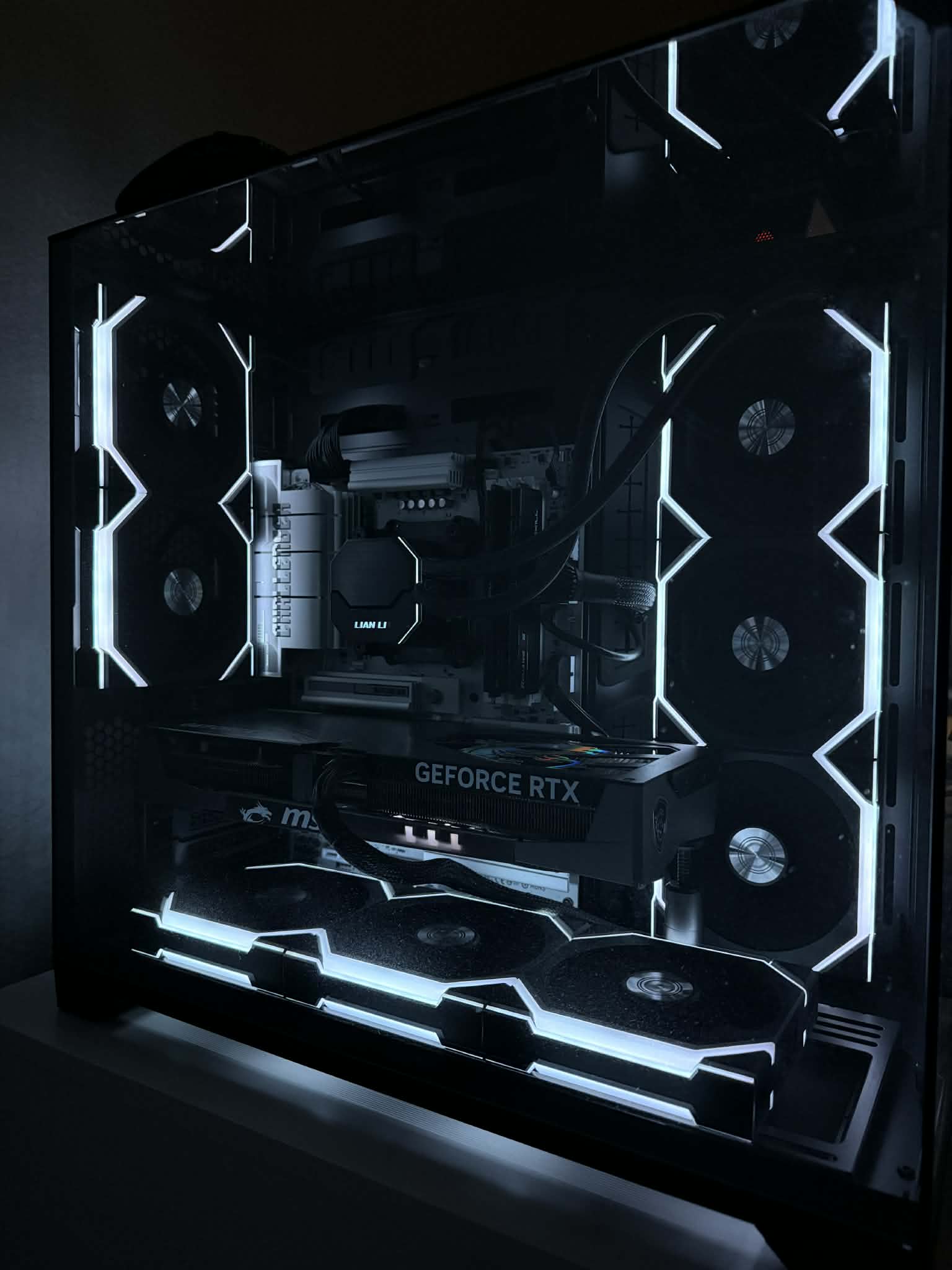
The looks of the motherboard are sleek. I paired this board with a Lian Li 011 Vision Chrome PC case, black Lian Li Uni Fans, and the B850 Challenger Wifi in white. The chrome, black, and white make for a very clean and elegant combo. I changed all my RGB on the fans to white and it really pulls everything together. This is a PC that I love to look at and would never want to put on the floor.
Overall, I am very satisfied with the ASRock B850 Challenger Wifi and will continue to seek out more ASRock motherboards for future PC builds!
The ASRock B850 Challenger Wifi is a great motherboard option for anyone moving to the AM5 platform. I have personally only used Gigabyte and ASUS motherboards to date and have been pleasantly surprised by the quality and aesthetics of ASRock motherboards. This motherboard has been handling my Ryzen 7 9800X3D, NVIDIA RTX 5080, 32GB of G.Skill Ripjaws S5 DDR5 ram and 2 SSDs perfectly.
The installation of the B850 Challenger Wifi into my PC was standard and everything worked seamlessly from the first boot. The bios has been easy to navigate and all of my components were recognized right away. Enabling EXPO was a few clicks away, the memory retrained, and it worked perfectly since.
I put this board in place of my AORUS X870 Elite Wifi motherboard and did notice some positives and negatives. On the positive side I have noticed zero difference in gaming performance between both builds. This tells me there is ample cooling performance coming from the heatsinks and no reason to opt for more expensive platforms if you are not doing extreme overclocking. The negative is in the limited amount of motherboard IO ports and storage expansion slots. I would have liked to see more USB 3.0 or 3.2 slots available for use. This is not an immediate problem for me as I only use 2 m.2 SSDs today and also use an external usb switch, but if I wanted to install more storage in the future I’d have to use an m.2 SSD to PCIE adapter.
The looks of the motherboard are sleek. I paired this board with a Lian Li 011 Vision Chrome PC case, black Lian Li Uni Fans, and the B850 Challenger Wifi in white. The chrome, black, and white make for a very clean and elegant combo. I changed all my RGB on the fans to white and it really pulls everything together. This is a PC that I love to look at and would never want to put on the floor.
Overall, I am very satisfied with the ASRock B850 Challenger Wifi and will continue to seek out more ASRock motherboards for future PC builds!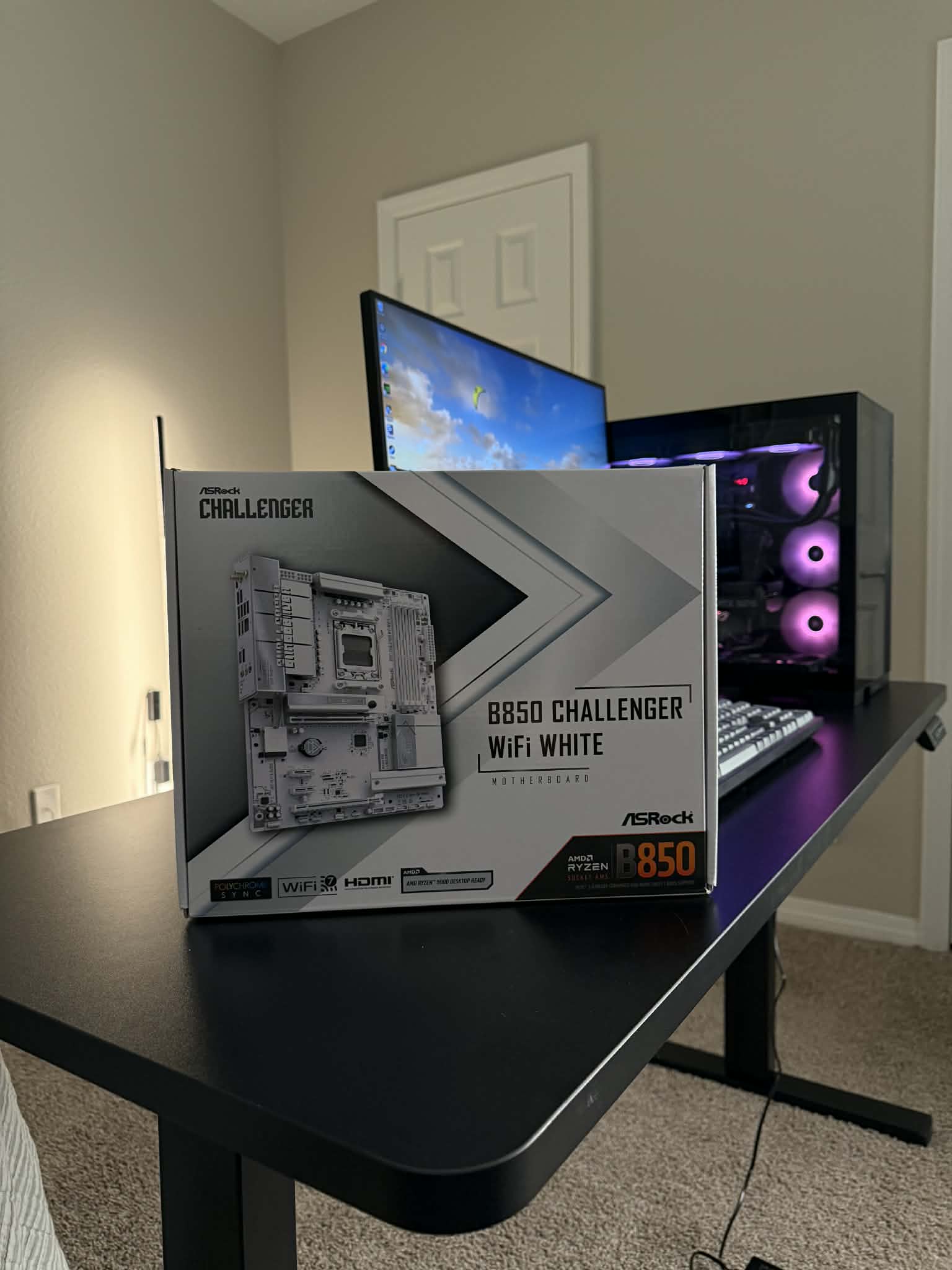
2025-12-08
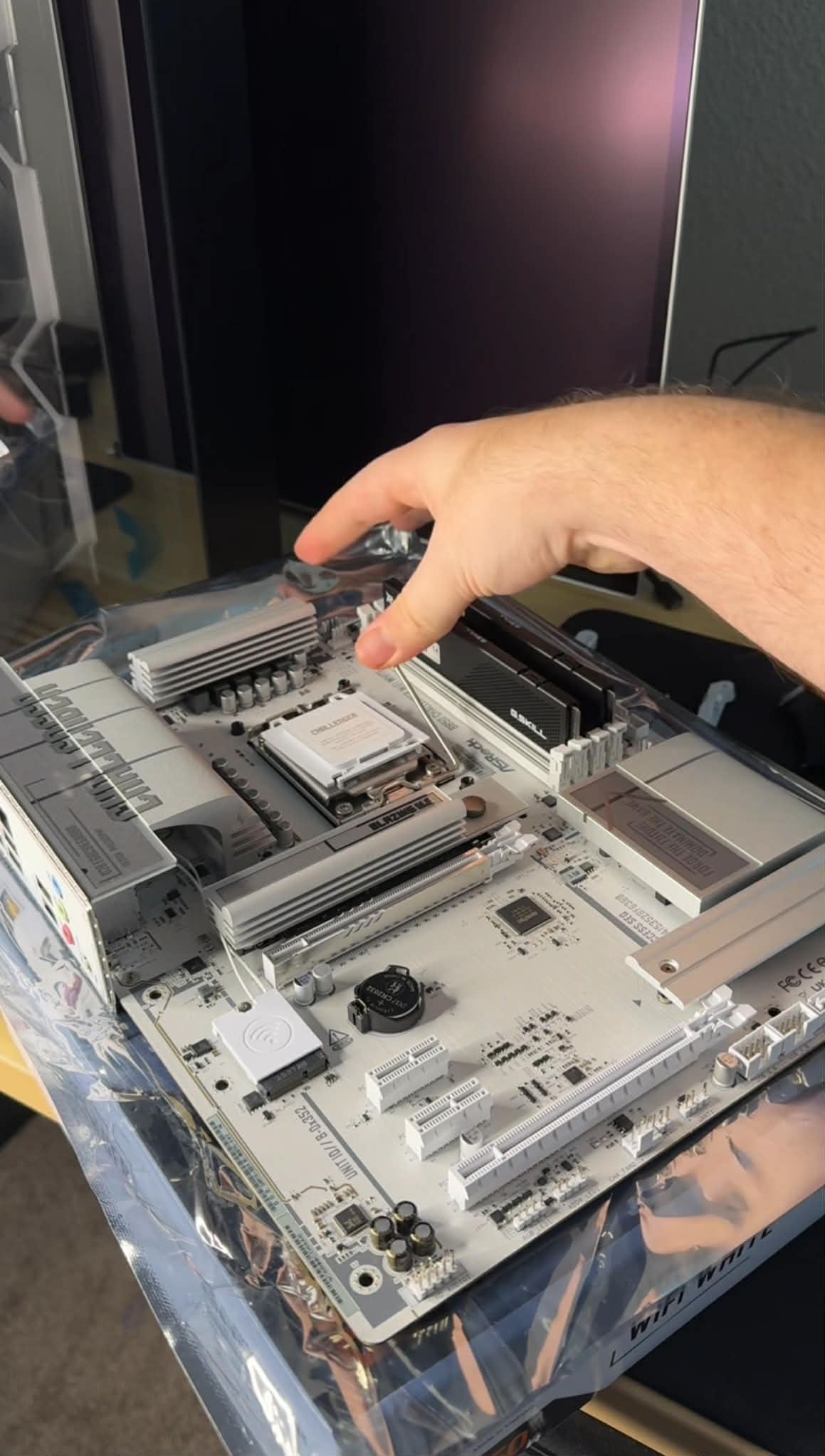
New Motherboard Unboxed and Ready For Install
2026-01-03
ASRock B850 + RTX 5080 + R7 9800X3D
2026-01-04
ASRock Build Final
2026-01-04
ASRock Build In Progress
Matt
I′m a father, nurse and IT specialist who spends all day helping people get the most out of their healthcare and all night gaming with my family. I′m a hardware enthusiast who is looking forward to playing with the ASRock motherboard as my first build for my son was an Intel 6700 on an ASRock board :)
 Pros:
Full white colour design
Reflective Silver accents
White headsinks on all m.2 + wifi
Easy BIOS and status lights
B850 with wifi 7
B850 with both PCIE5 GPU and M.2
XMP and EXPO OC
Cons:
Missing Chipset auto driver install
Odd few visibile black items and silver MB screws
Colour, design and layout:
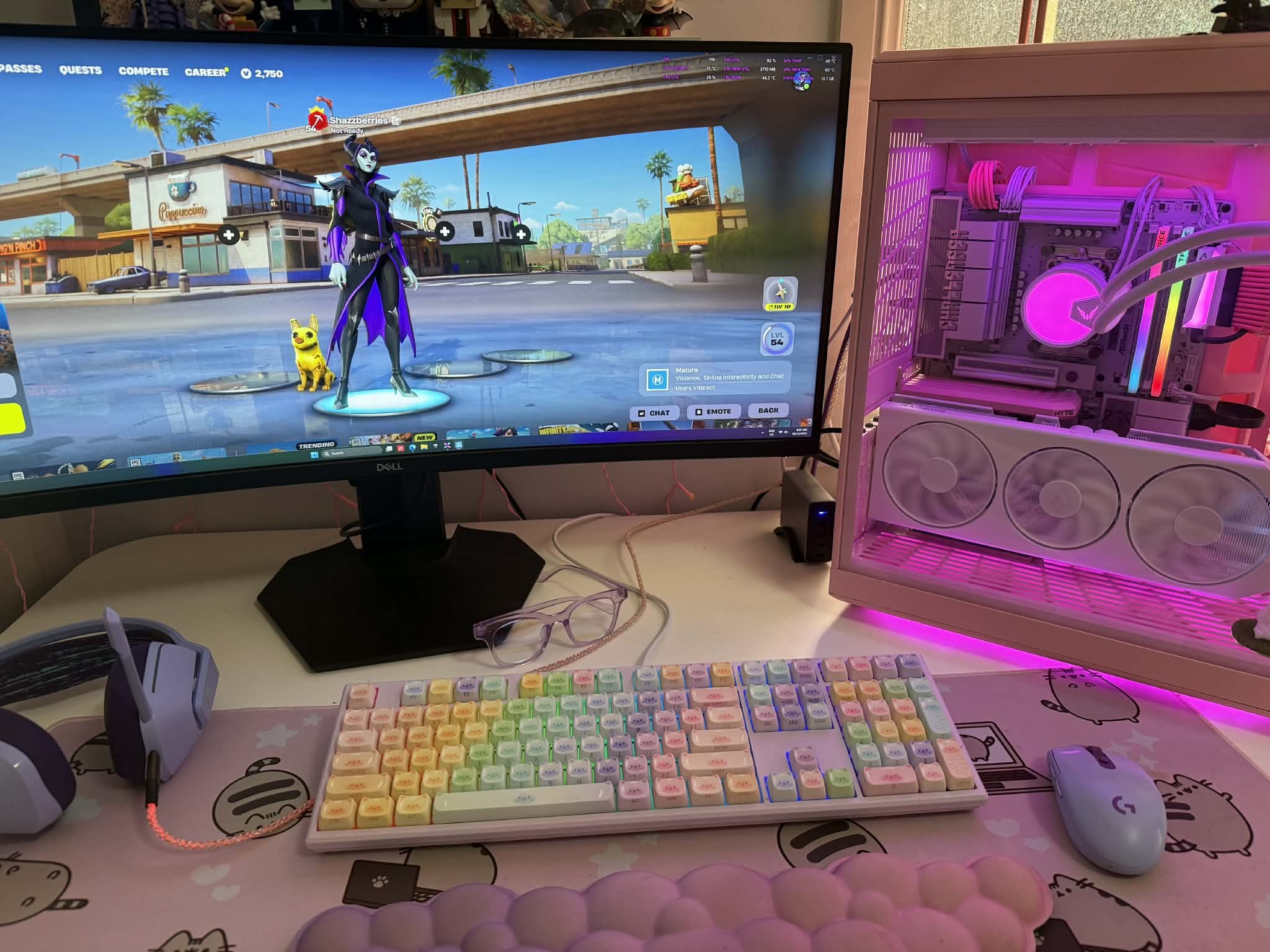
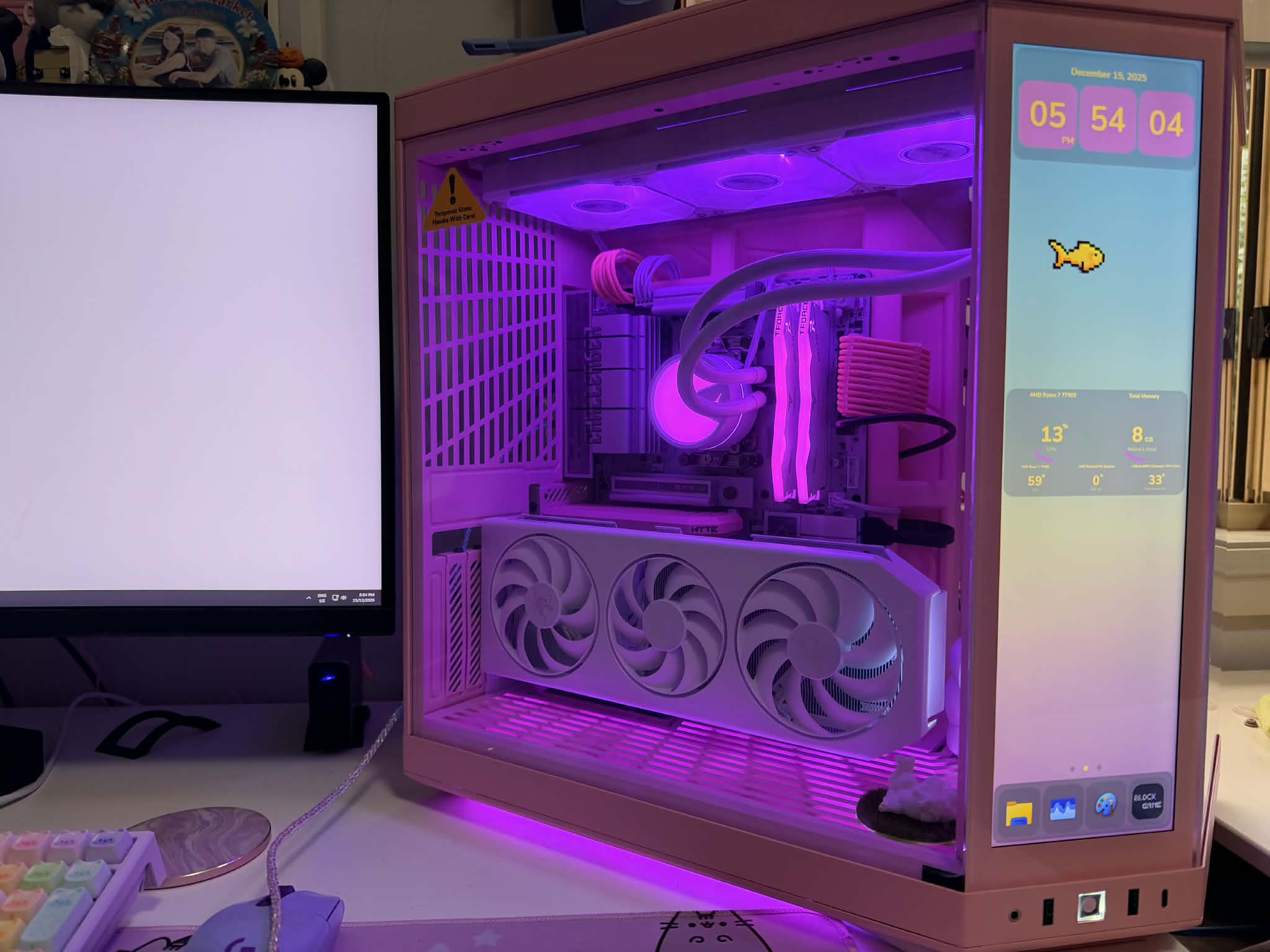
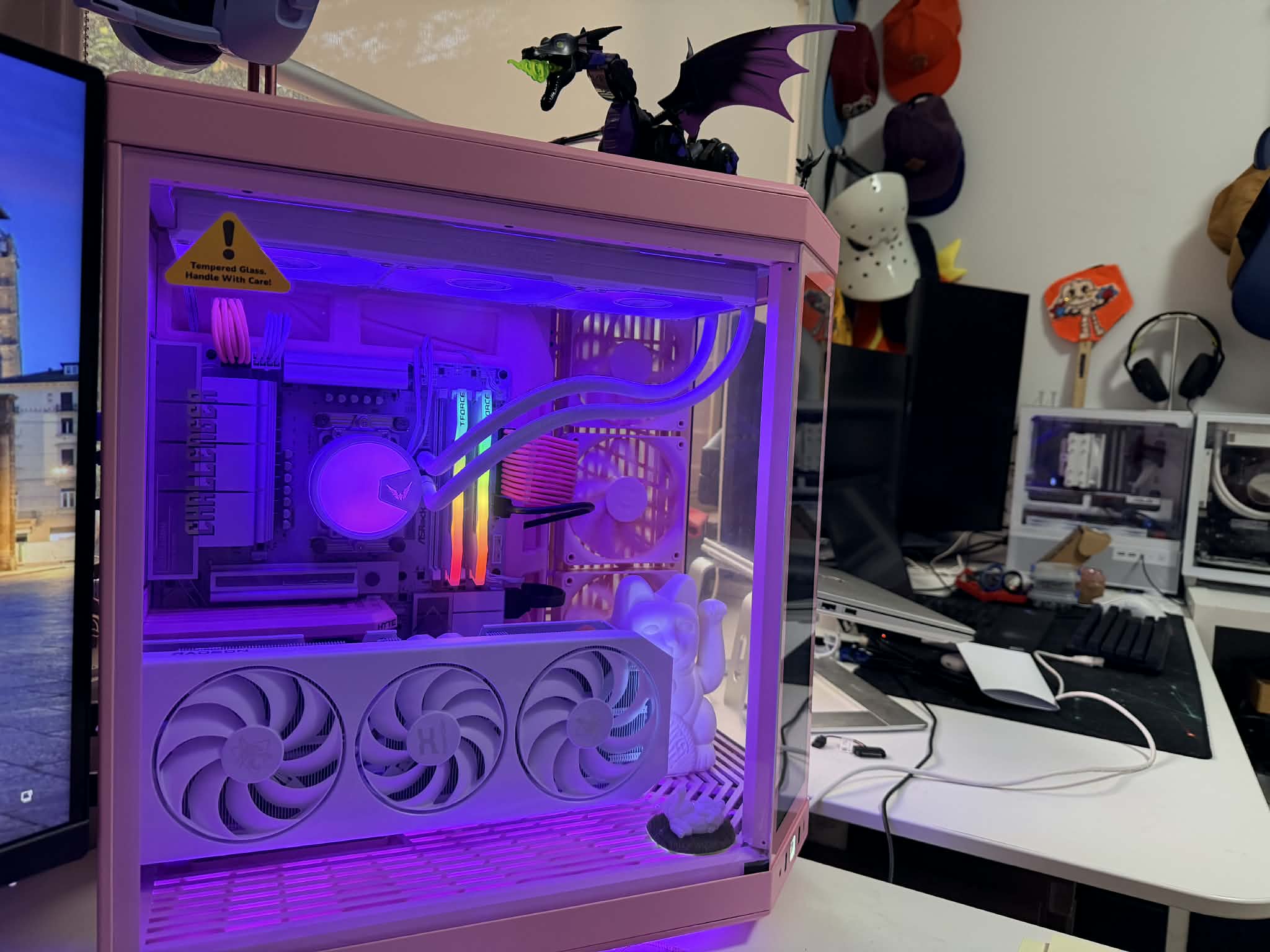
When people are doing a white build they can be very particular about the shade of white, the covered components, the layout of cabling and the overall look in set up. I've got 4 pcs in the house for gaming and I can see big differences between brands, budget and performance affecting these. Low budget options usually have all black components, nothing covered and minimal effort on the design front. The ASRock B850 sits on the affordable end of the spectrum in Australia but somehow manages to go against this. While they still have black components, they have hidden lots of these behind covers and made most of the usual black components white. For example in most budget b850s your ram slots, power connectors and other plastic items all come in stock black but ASRock have delivered the all white in these components. It really shows a difference when building, playing and especially against LED lighting. This is further accentuated by the mirror finish on the silver parts of the covers. They reflect the lighting and add to the brightness of the case. I was worried when looking for white components because companies call things aero, ice, vision or anything but the colouring. They also do white accents or fans but often the flat plate is black or silver and often in a matte finish. This motherboard is as white as they could get it, with reflective accents and a low gloss finish elsewhere. It comes out really nice, especially against a coloured build like this pink one. Lastly, most of the budget builds only get one m.2 heatsink or a plain unfinished heatsink to cover things but both m.2s are covered and even the wifi chip has a cover.
Performance:
Both bios and board design are very well thought out and designed for the gamer. The board itself has well placed connections, plenty of connection options and the quality is good. The connectors are all close to the edge for easy cable management and all have a nice tight fit. Both vertical and horizontal SATA + USB options are cool to give you options for cable design. The functionality and performance of each component met expectations during testing. The only item that I couldn't get to work exactly as advertised was the auto driver which popped up but said I didn't have anything new to update. I enabled it in BIOS but didn't work. I did find the bios update super easy and the drivers on the support site were again easy to download and update. I had a few unknown devices in my windows device manager but after updating drivers from support everything was normal and accounted for. No performance impact but during building I just noted chipset drivers for my 7700x were the fix.
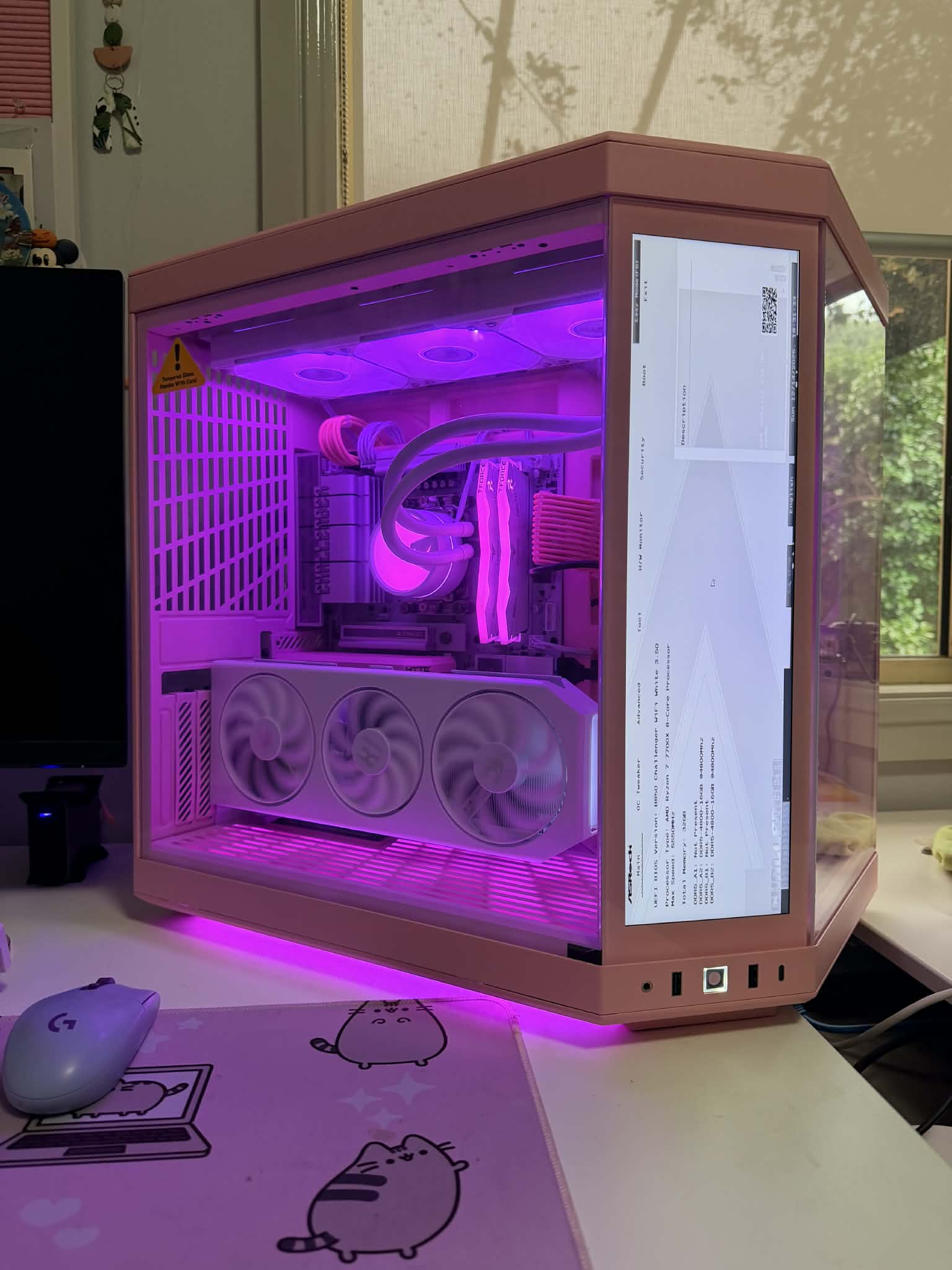
The real performance fun is in the BIOS where you can use XMP or EXPO no problem. I switched between both and played with various OC settings with heaps to choose from. The post status checker lights were very helpful when playing with the OC settings and the extra touch screen on Hyte case. I found the troubleshooting reliable and easy, while the options weren't restricted at all. Honestly the DIY friendly set up was great.
It's a B850 and not an X870 but it still has pcie 5.0 for both GPU and 1st m.2 slot, wifi 7 and doesn't lose on anything else I can see. There are plenty of USB 3.2 gen 1 and 2, Sata and other connectivity. It really is great bang for your buck.
Overall:
I struggled to find anything truly negative about the board because in the 2 times I built with it I only really had the driver issue and it was such an easy solve. It's the budget board with the top end finishes and the performance to match. I really can't see another white finish board anywhere near this price range with the same performance features available. Its an easy board for new and high performance users.
Pros:
Full white colour design
Reflective Silver accents
White headsinks on all m.2 + wifi
Easy BIOS and status lights
B850 with wifi 7
B850 with both PCIE5 GPU and M.2
XMP and EXPO OC
Cons:
Missing Chipset auto driver install
Odd few visibile black items and silver MB screws
Colour, design and layout:
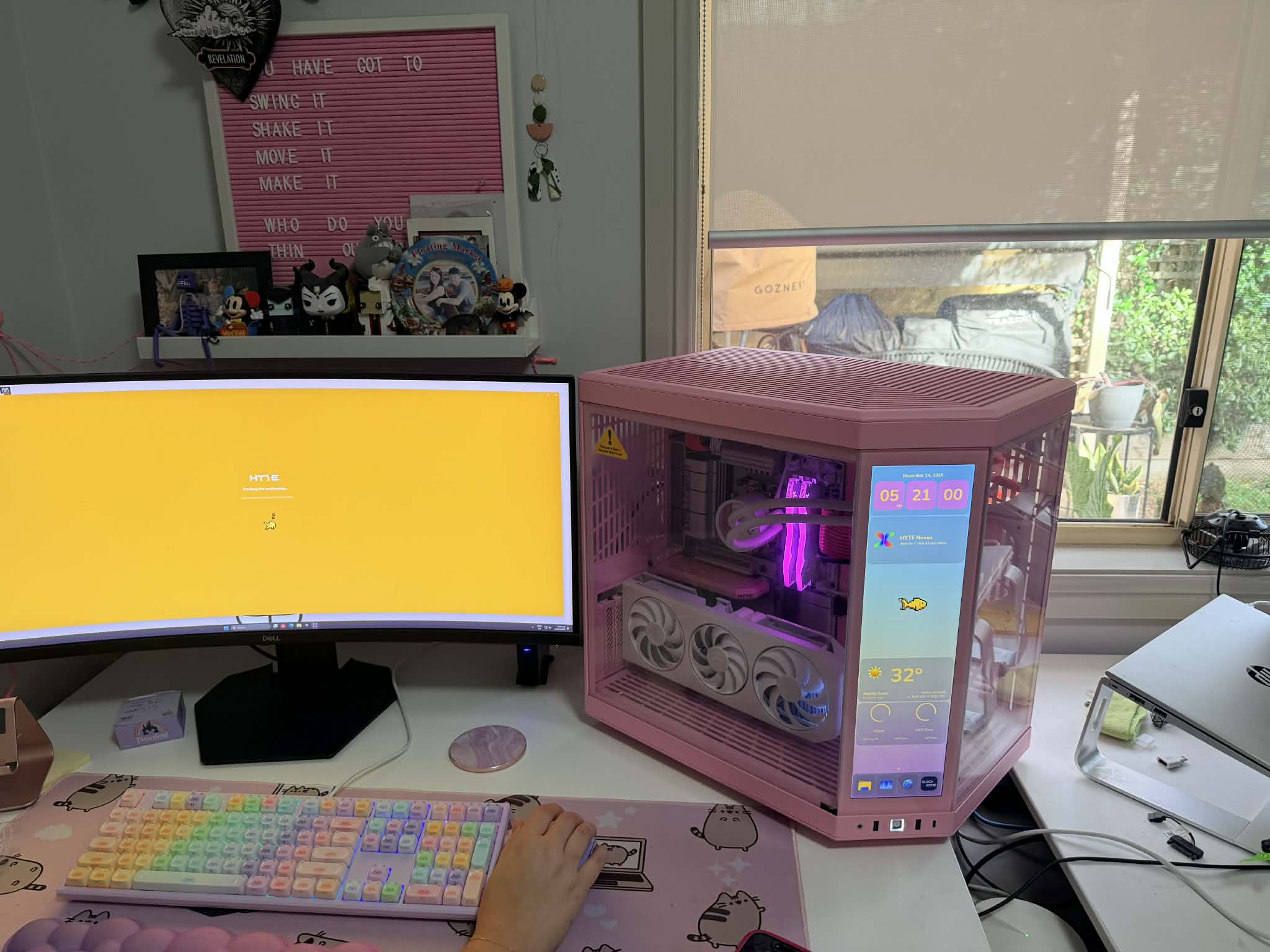
When people are doing a white build they can be very particular about the shade of white, the covered components, the layout of cabling and the overall look in set up. I've got 4 pcs in the house for gaming and I can see big differences between brands, budget and performance affecting these. Low budget options usually have all black components, nothing covered and minimal effort on the design front. The ASRock B850 sits on the affordable end of the spectrum in Australia but somehow manages to go against this. While they still have black components, they have hidden lots of these behind covers and made most of the usual black components white. For example in most budget b850s your ram slots, power connectors and other plastic items all come in stock black but ASRock have delivered the all white in these components. It really shows a difference when building, playing and especially against LED lighting. This is further accentuated by the mirror finish on the silver parts of the covers. They reflect the lighting and add to the brightness of the case. I was worried when looking for white components because companies call things aero, ice, vision or anything but the colouring. They also do white accents or fans but often the flat plate is black or silver and often in a matte finish. This motherboard is as white as they could get it, with reflective accents and a low gloss finish elsewhere. It comes out really nice, especially against a coloured build like this pink one. Lastly, most of the budget builds only get one m.2 heatsink or a plain unfinished heatsink to cover things but both m.2s are covered and even the wifi chip has a cover.
Performance:
Both bios and board design are very well thought out and designed for the gamer. The board itself has well placed connections, plenty of connection options and the quality is good. The connectors are all close to the edge for easy cable management and all have a nice tight fit. Both vertical and horizontal SATA + USB options are cool to give you options for cable design. The functionality and performance of each component met expectations during testing. The only item that I couldn't get to work exactly as advertised was the auto driver which popped up but said I didn't have anything new to update. I enabled it in BIOS but didn't work. I did find the bios update super easy and the drivers on the support site were again easy to download and update. I had a few unknown devices in my windows device manager but after updating drivers from support everything was normal and accounted for. No performance impact but during building I just noted chipset drivers for my 7700x were the fix.
The real performance fun is in the BIOS where you can use XMP or EXPO no problem. I switched between both and played with various OC settings with heaps to choose from. The post status checker lights were very helpful when playing with the OC settings and the extra touch screen on Hyte case. I found the troubleshooting reliable and easy, while the options weren't restricted at all. Honestly the DIY friendly set up was great.
It's a B850 and not an X870 but it still has pcie 5.0 for both GPU and 1st m.2 slot, wifi 7 and doesn't lose on anything else I can see. There are plenty of USB 3.2 gen 1 and 2, Sata and other connectivity. It really is great bang for your buck.
Overall:
I struggled to find anything truly negative about the board because in the 2 times I built with it I only really had the driver issue and it was such an easy solve. It's the budget board with the top end finishes and the performance to match. I really can't see another white finish board anywhere near this price range with the same performance features available. Its an easy board for new and high performance users.
2025-12-14
pink and neon fishbowl
2025-12-14
rainbow
2025-12-14
Bios is easy to ready on a touch screen panel
2025-12-14
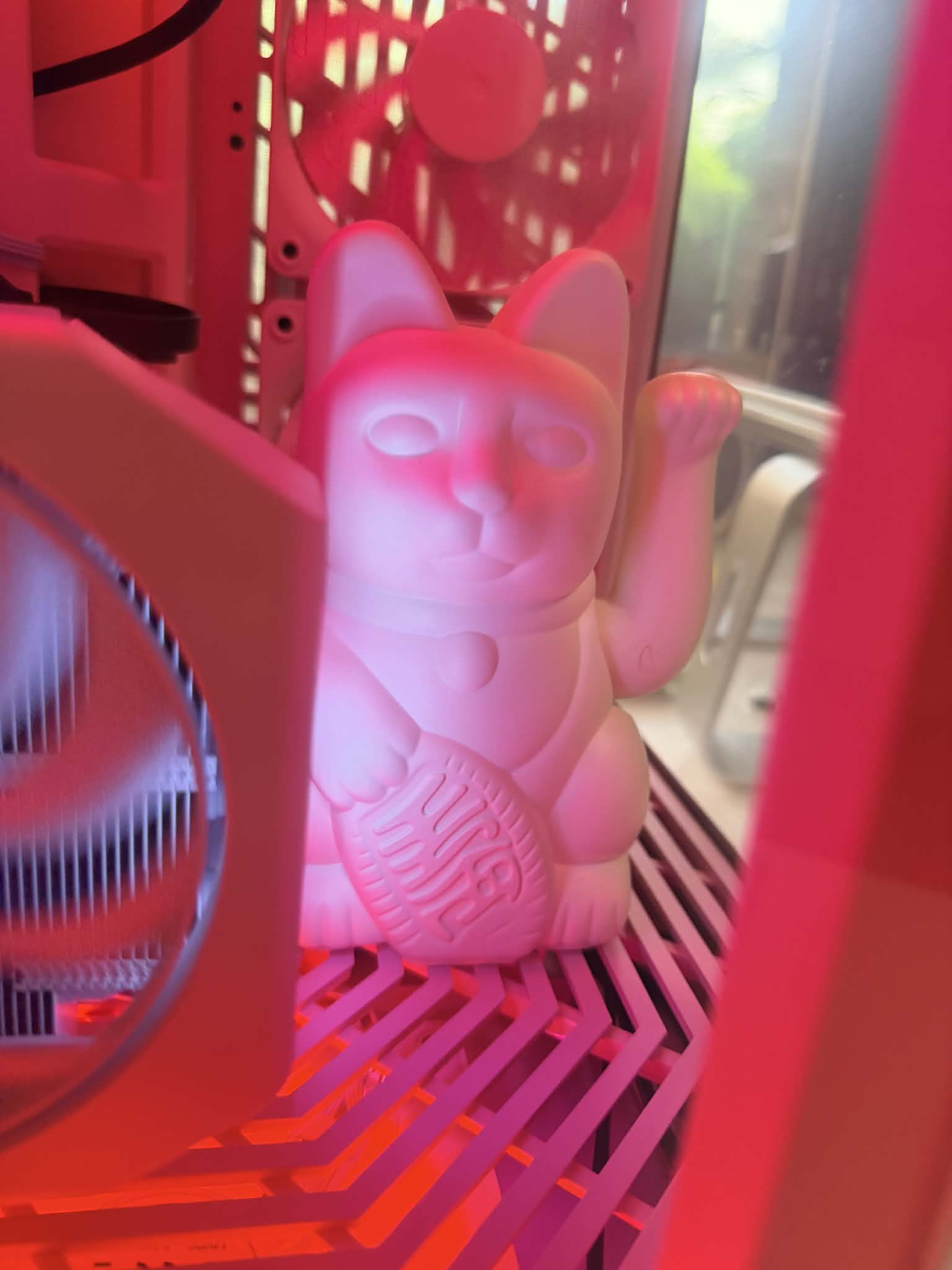
Cat
2025-12-14
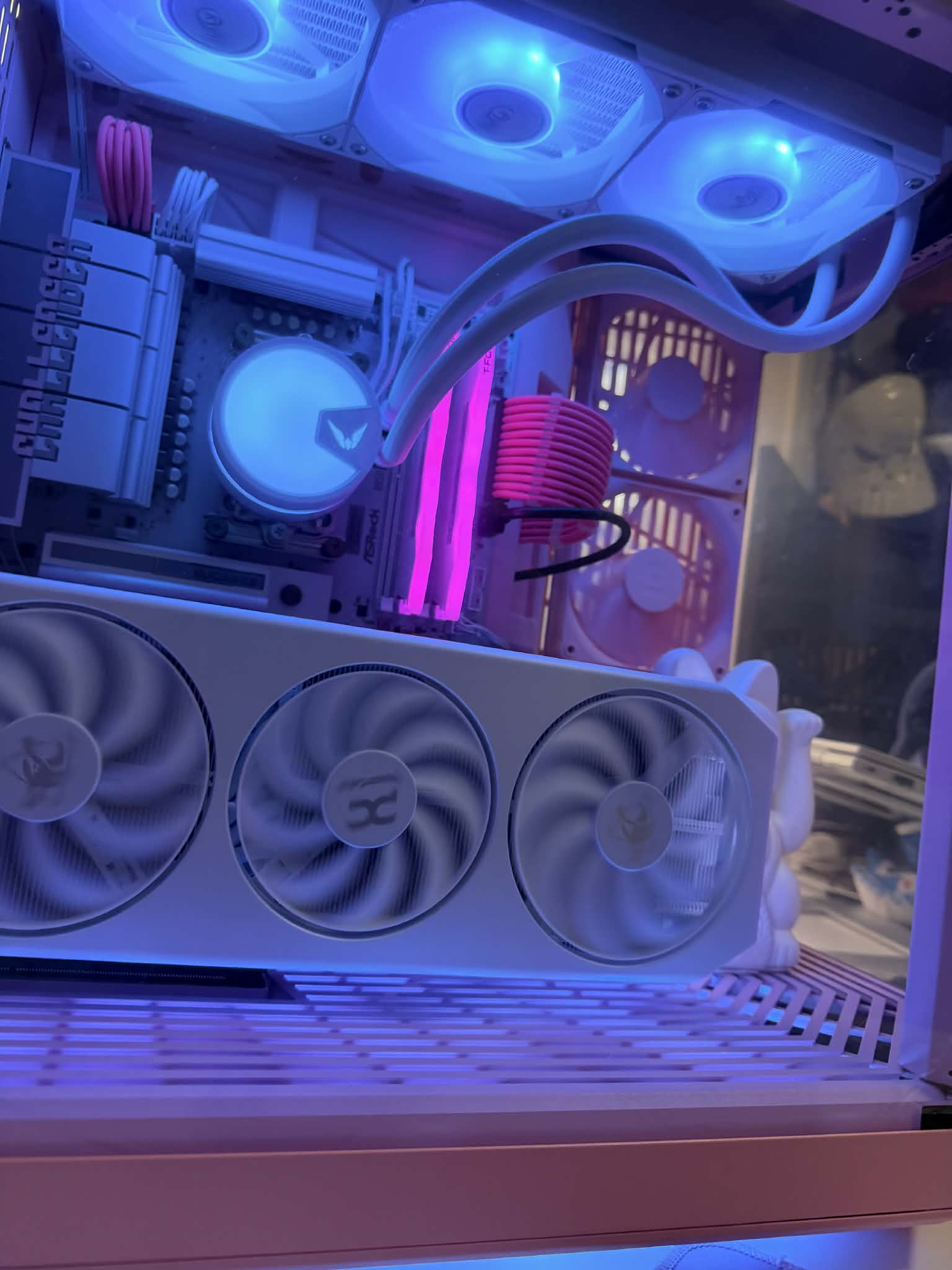
dynamic RGB control is possible!
2025-12-14
playing with RGB and devices :)
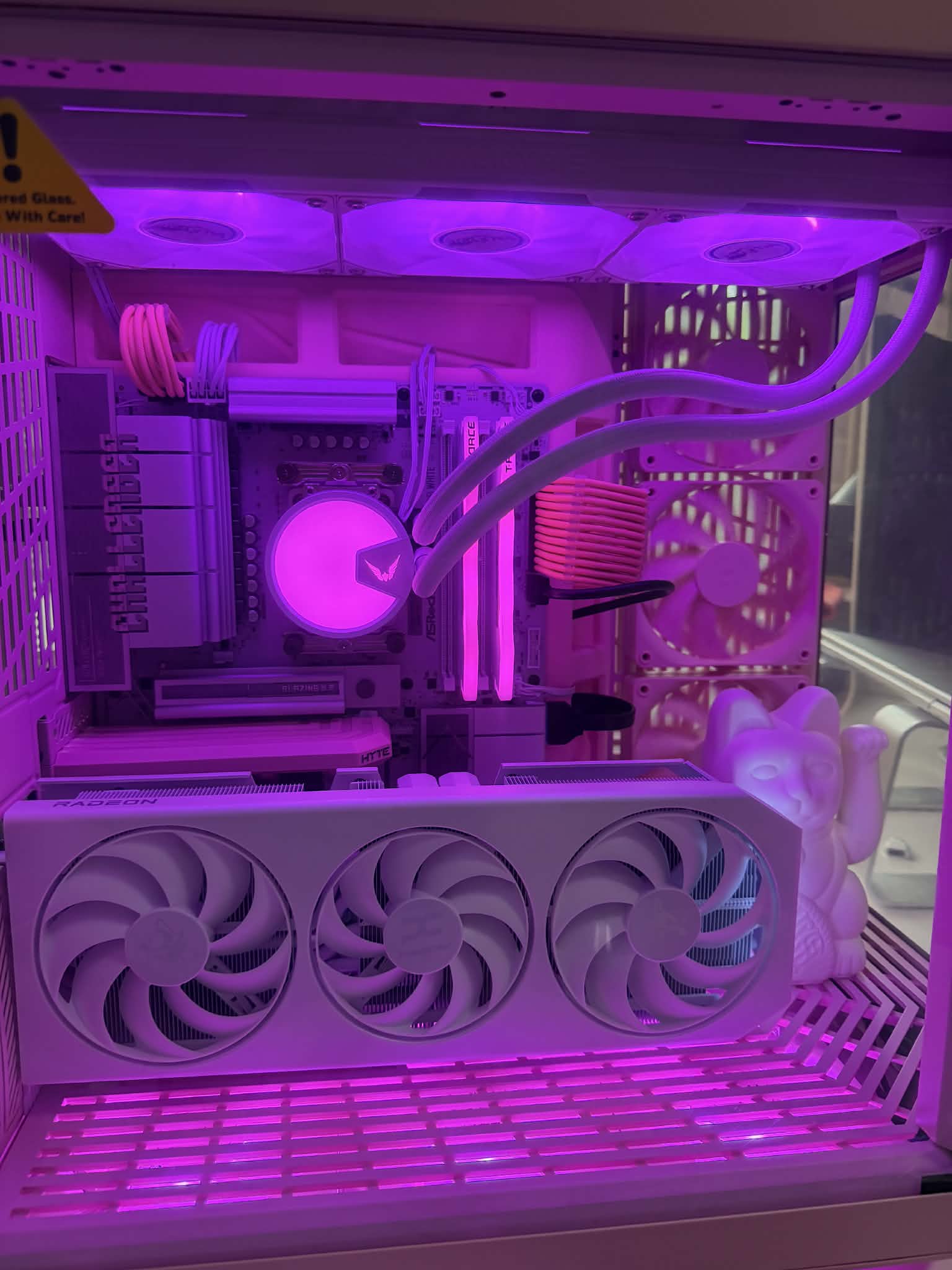
2025-12-14
RGB control is smooth and bright!
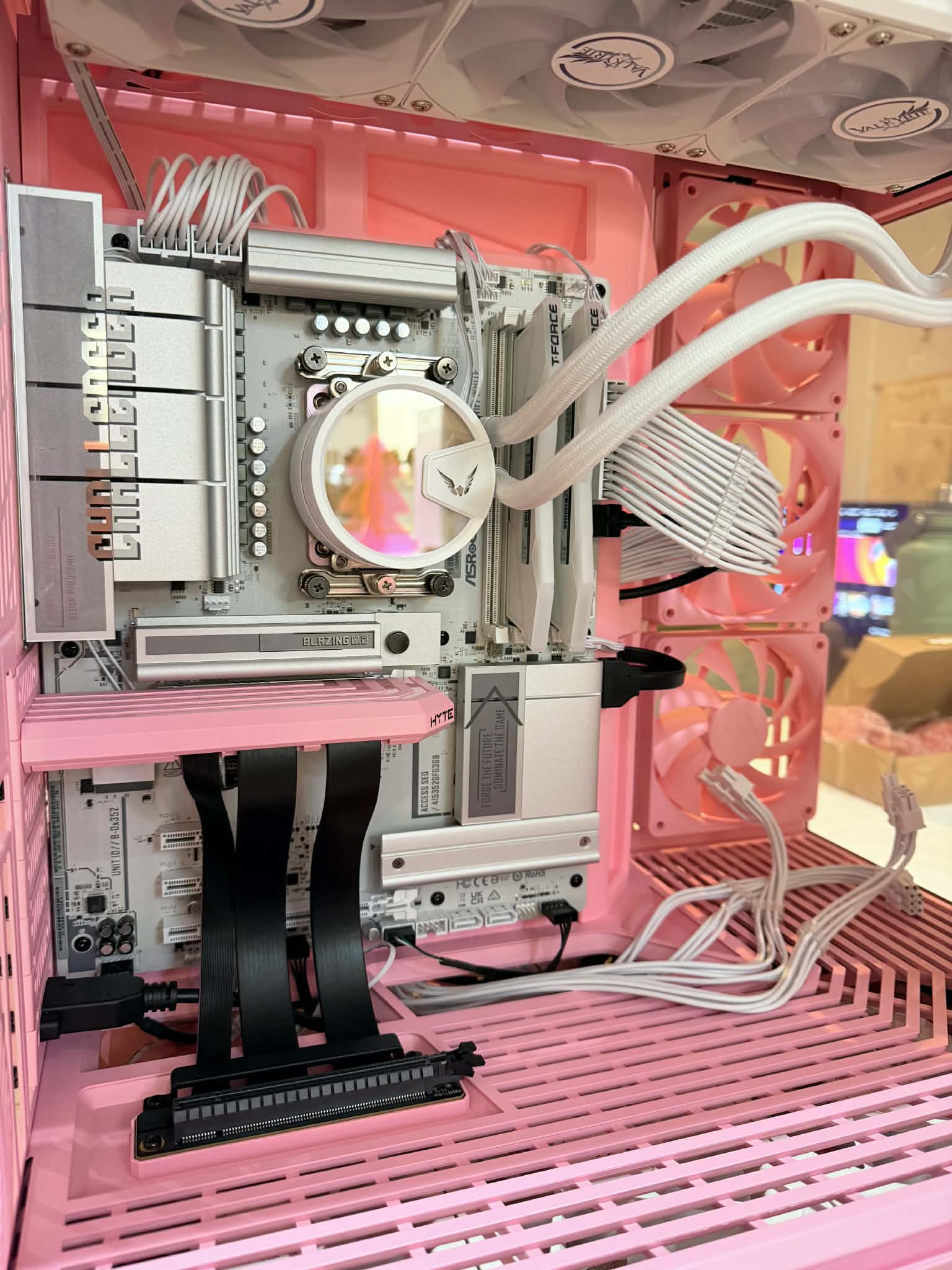
2025-12-14
easy access even with PCIE extension
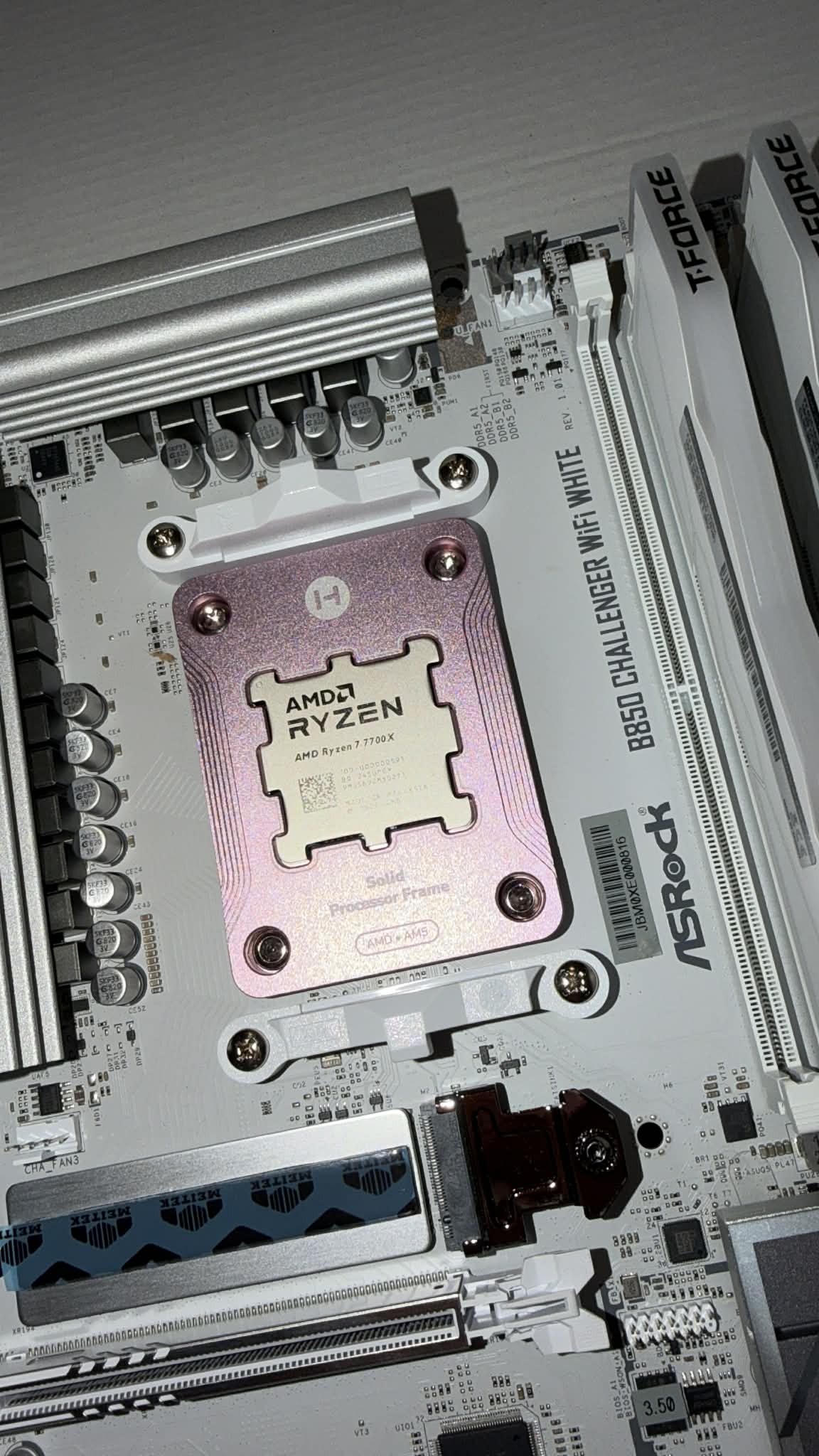
2025-12-14
love double adhesive thermal pads for m.2
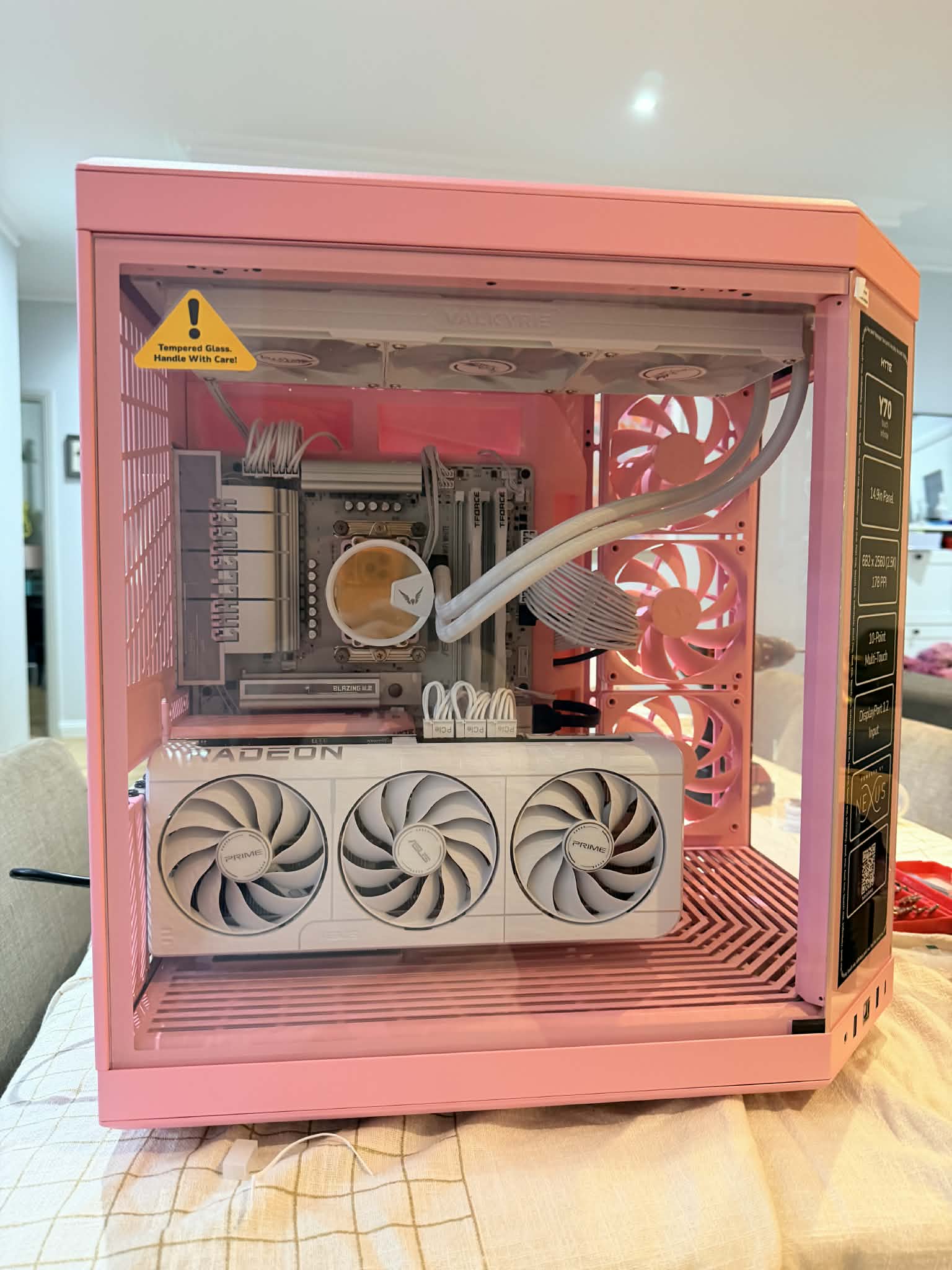
2025-12-14
all fitted for a quick test
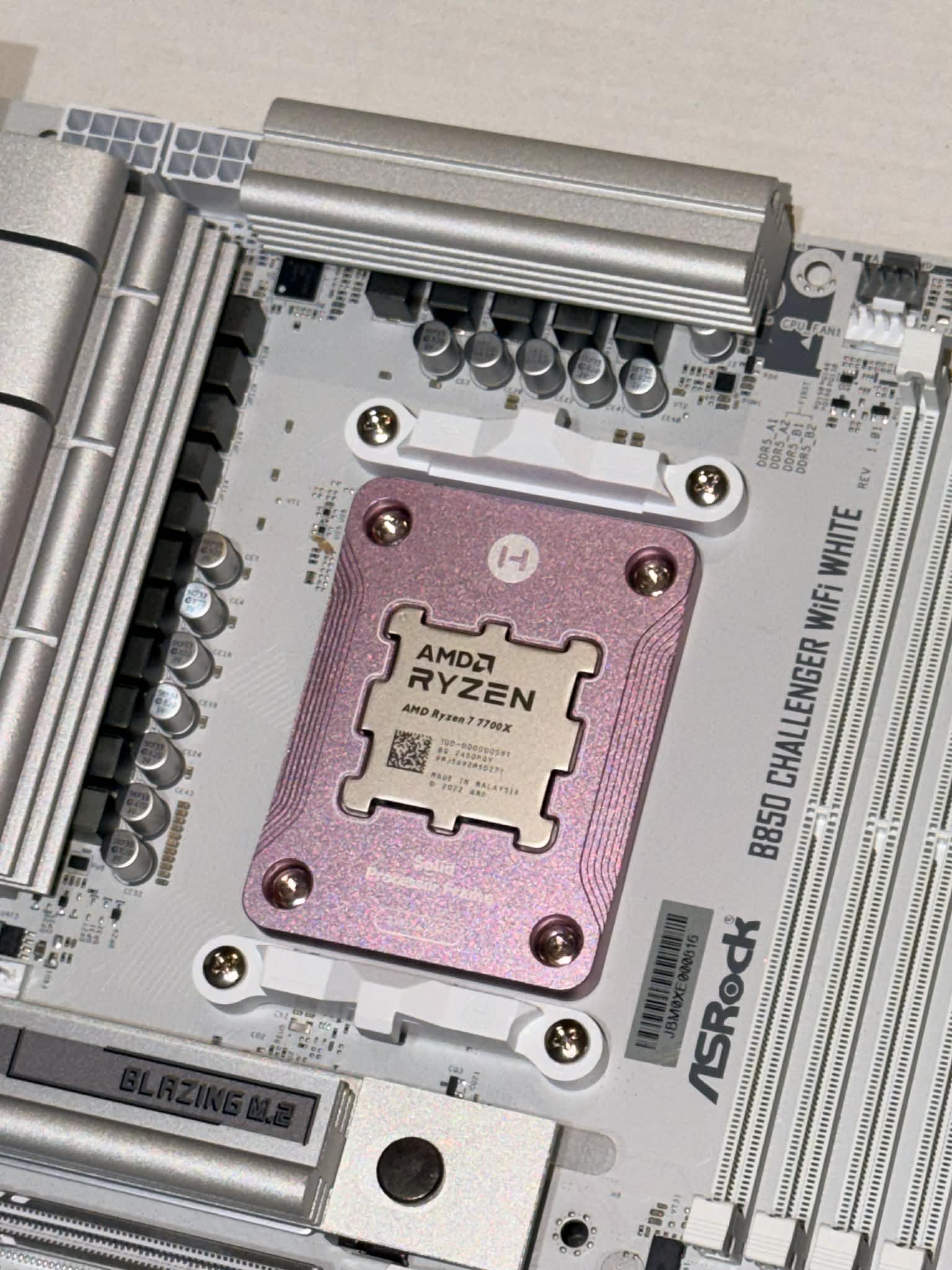
2025-12-14
now a splash of pink
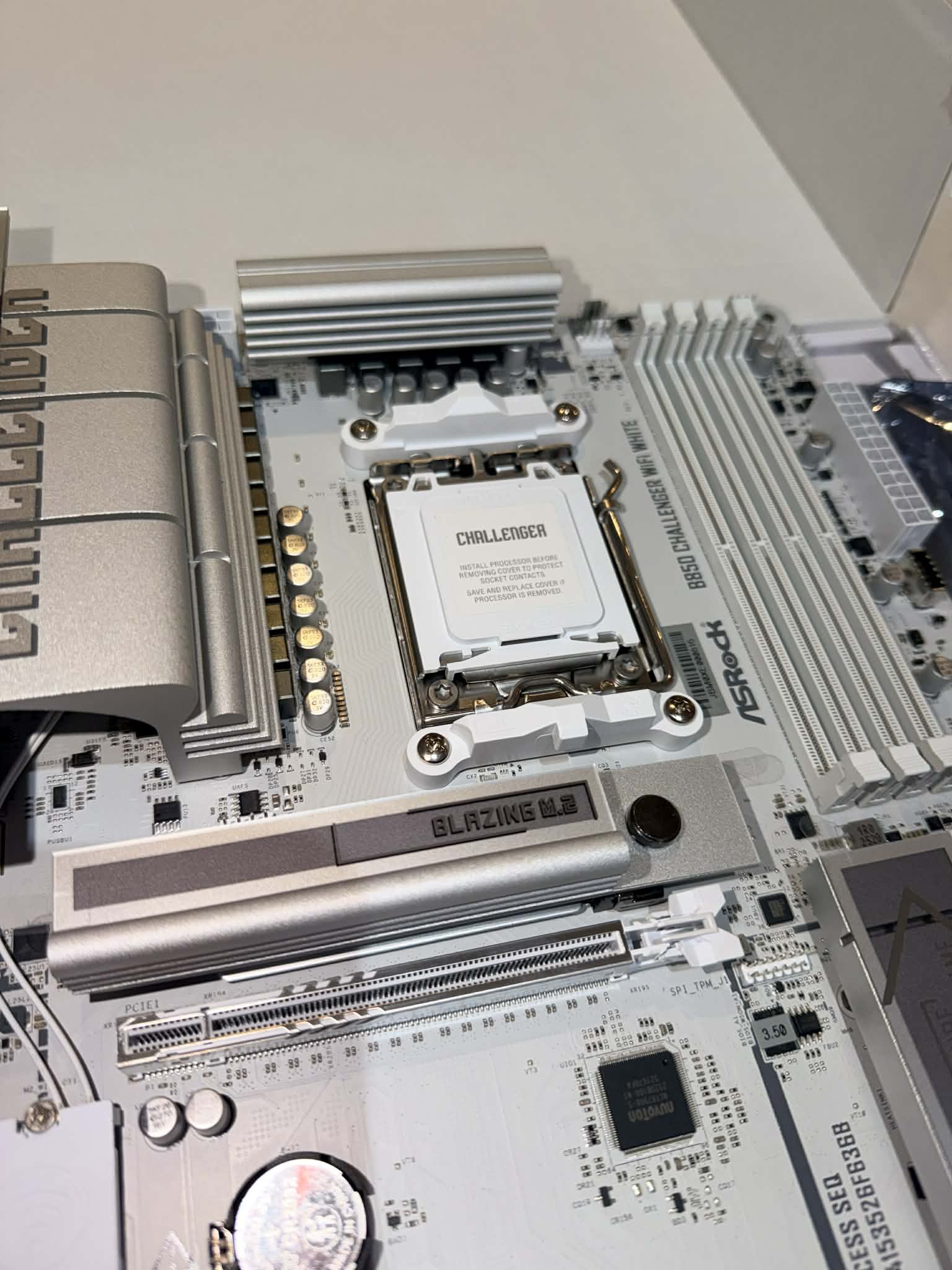
2025-12-14
So pretty and all white
2025-12-14
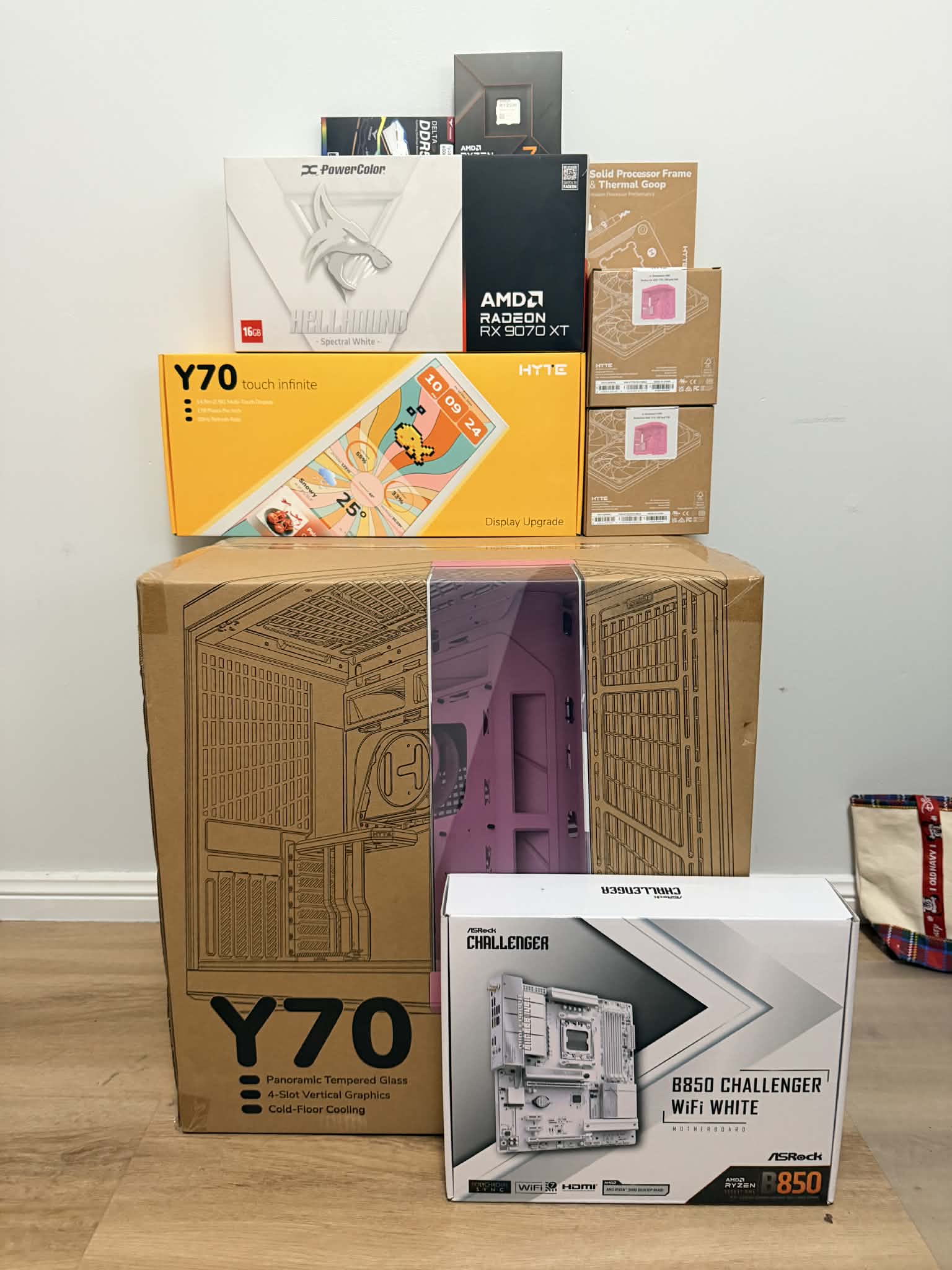
The parts have all arrived!
2025-12-25
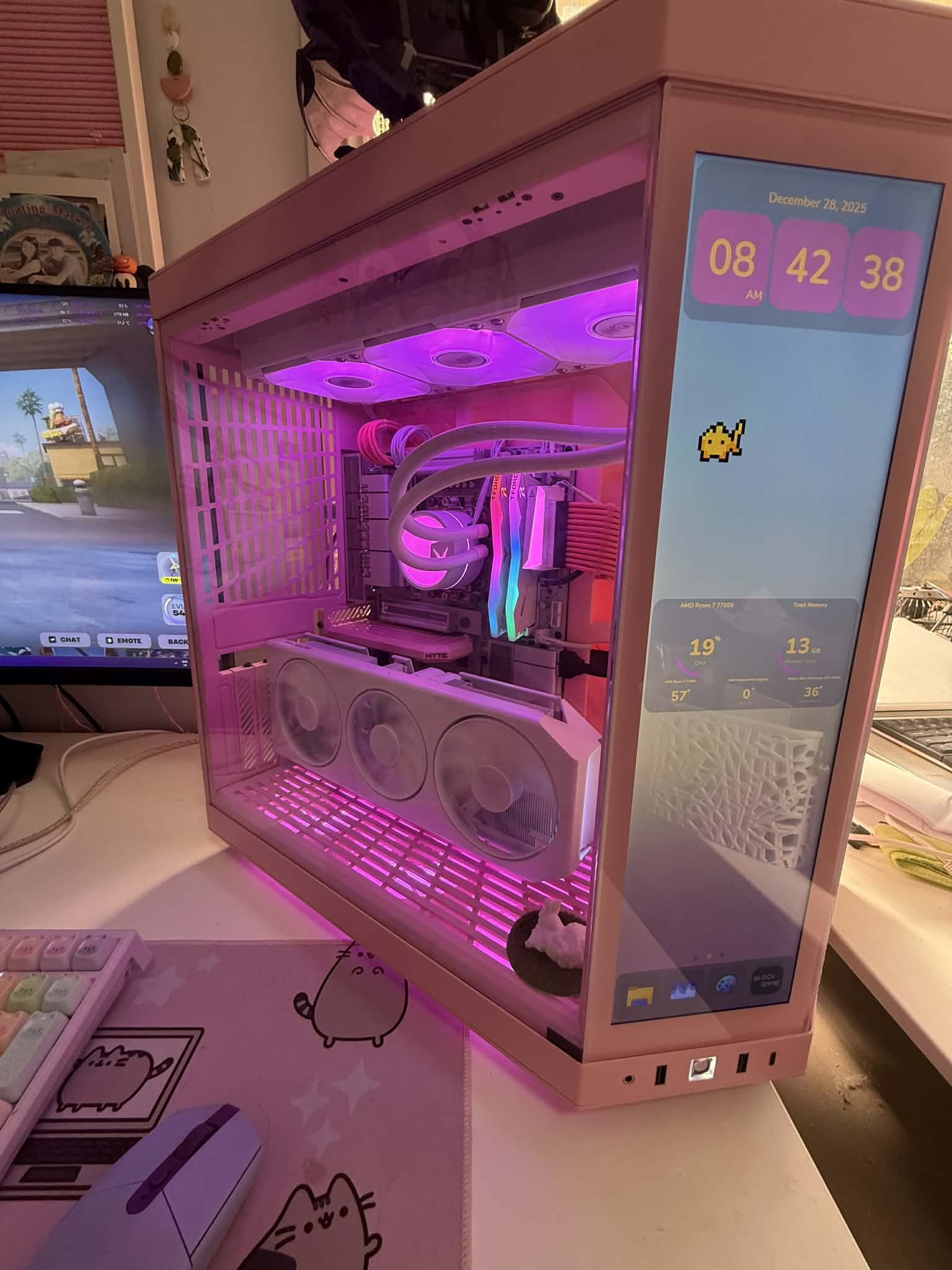
Final Build
OMPC
興趣使然的硬體愛好者
 「冰雪林中著此身,不同桃李混芳塵」 王冕-《白梅》
在這充滿RGB與硬派電競風的主板市場中,B850 Challenger WiFi White的一抹純白,真的展現了獨樹一格的設計美學。
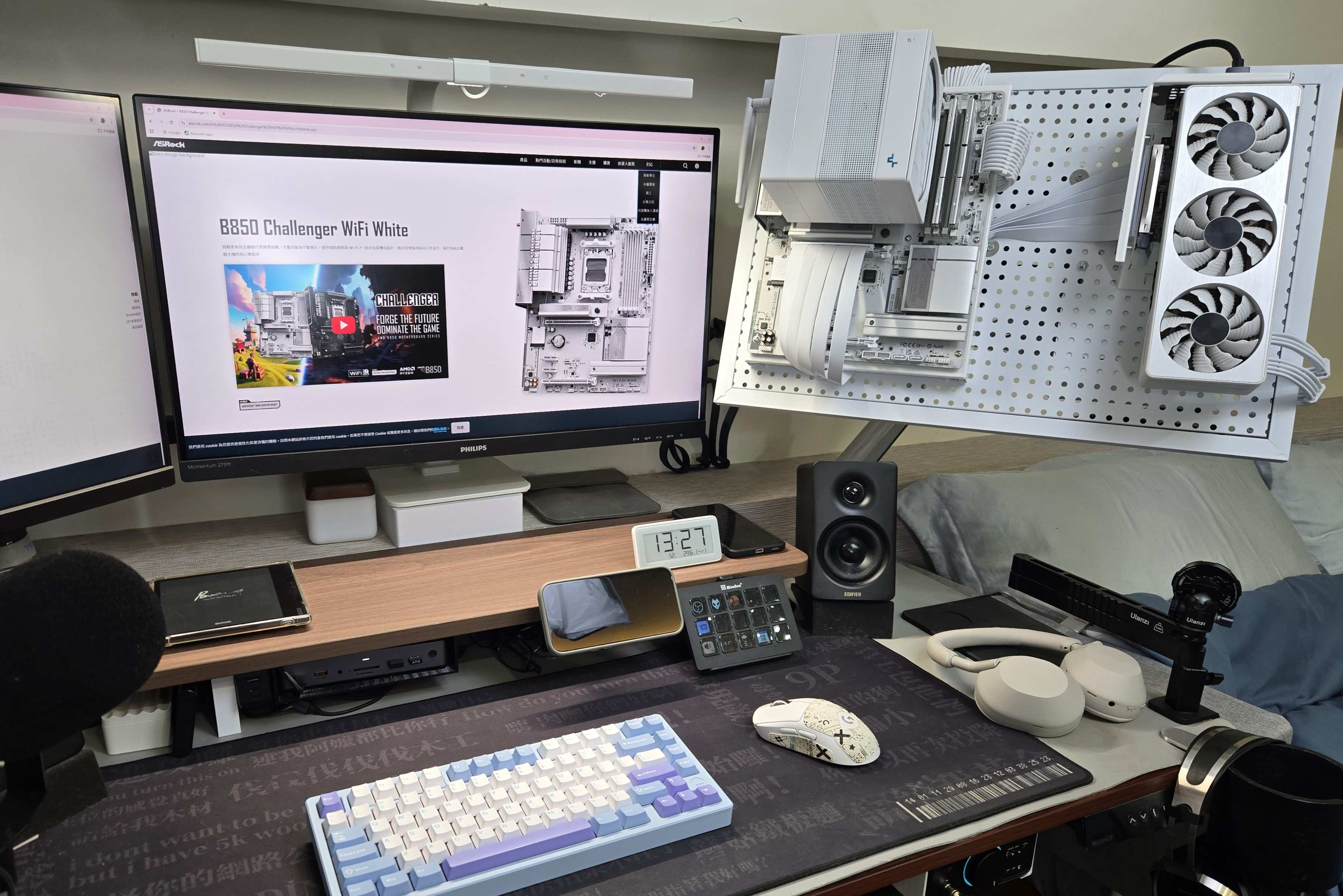
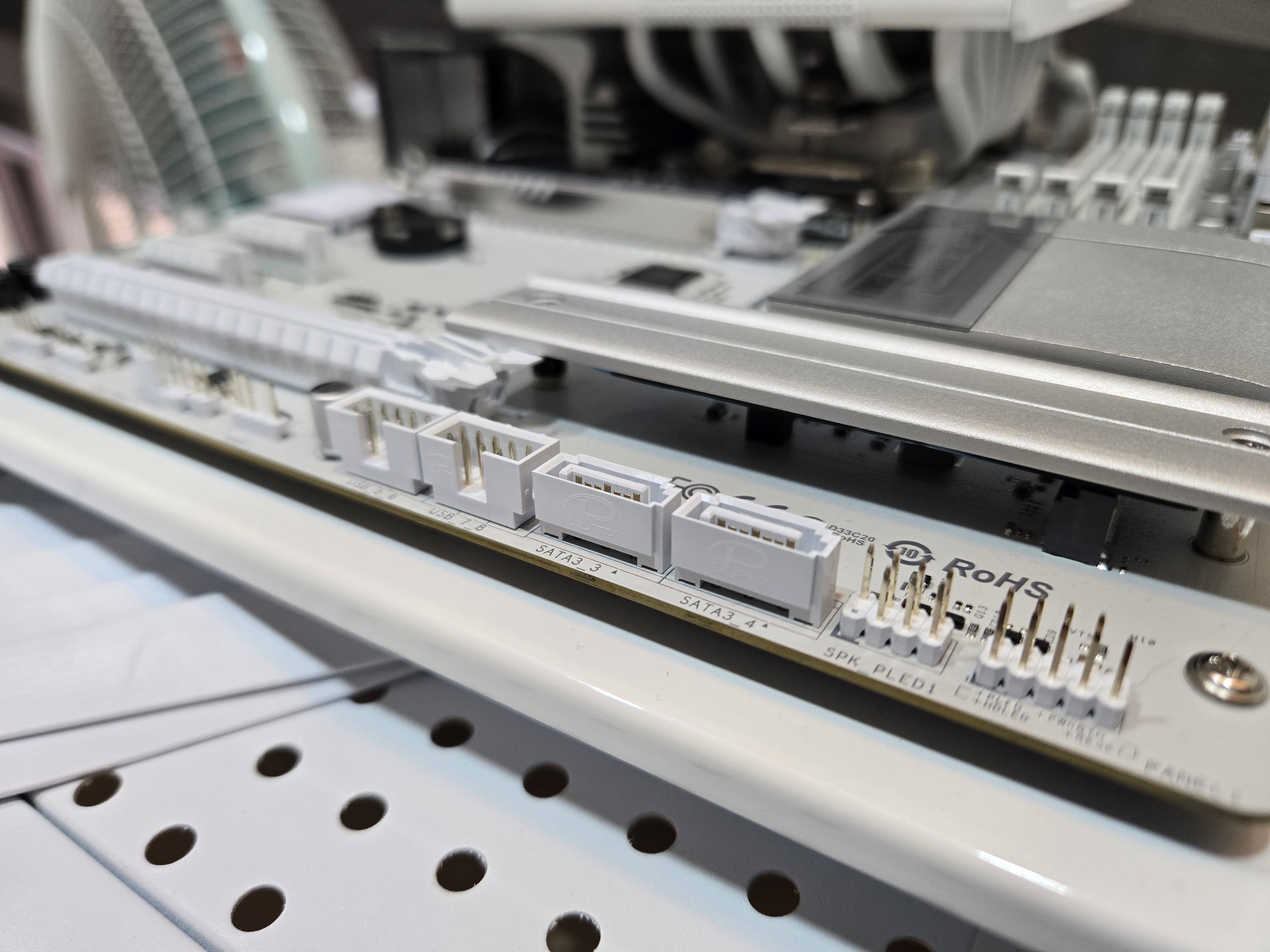
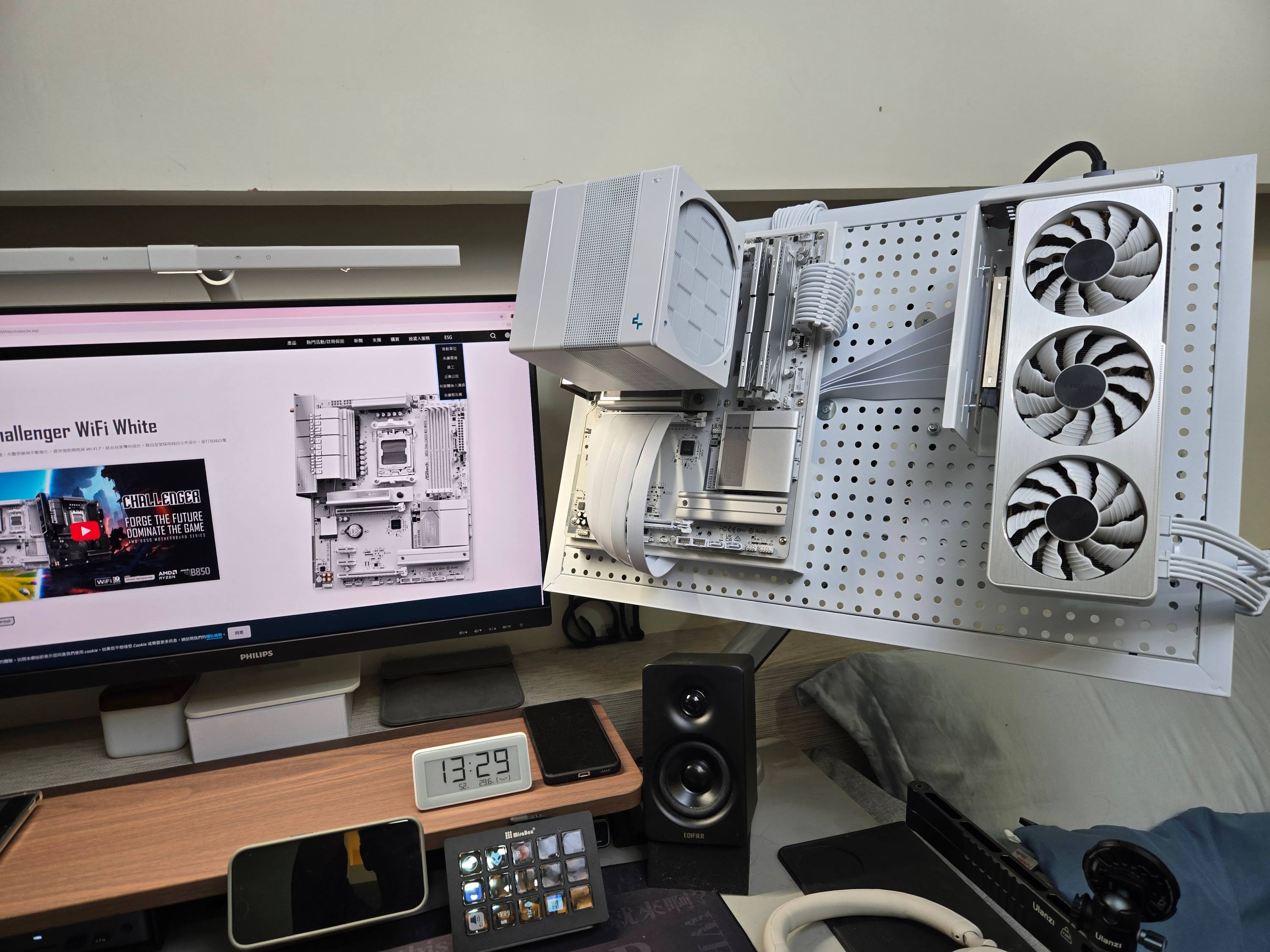
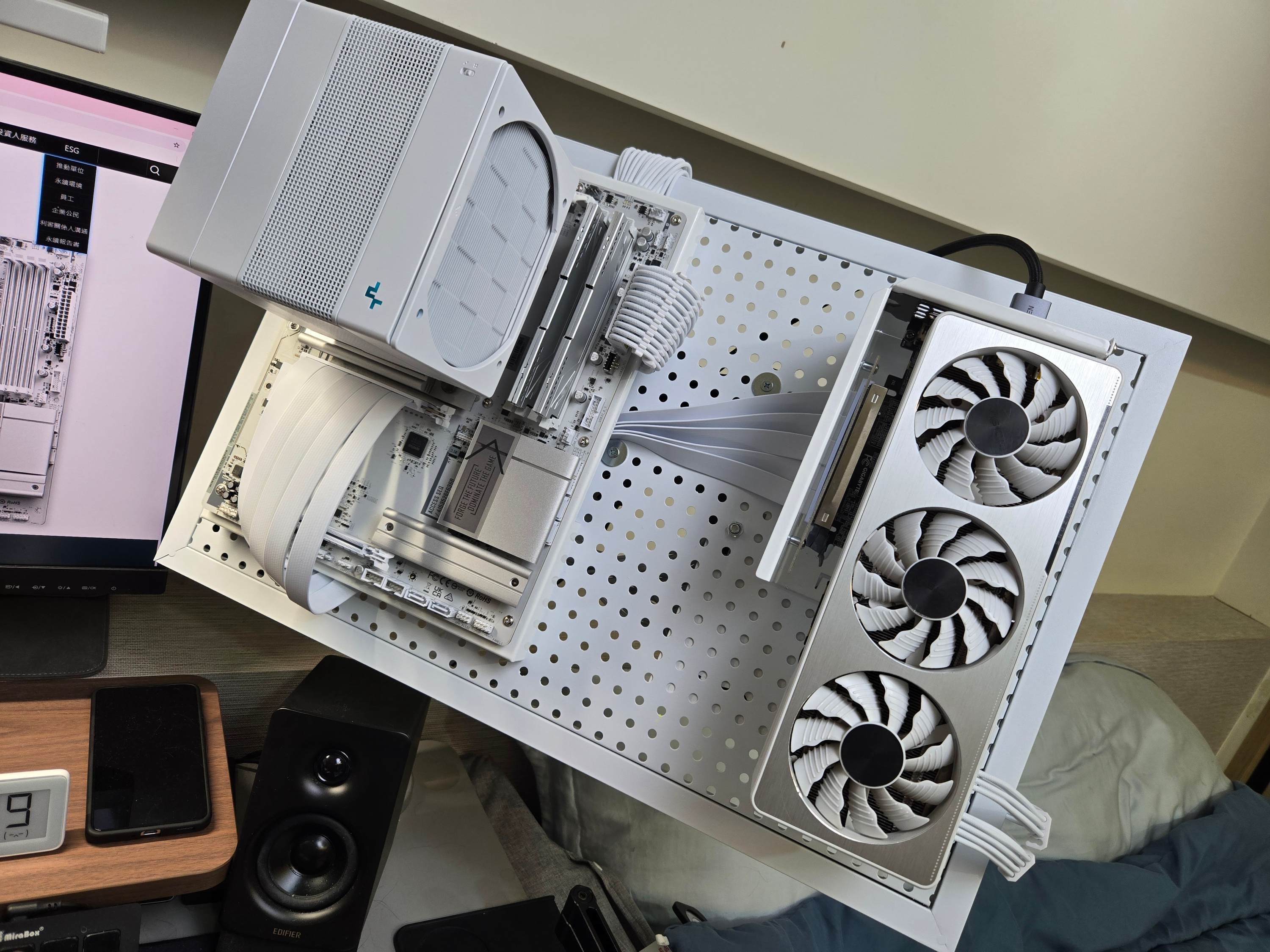
白色主板在現今市場並不算少見,但很多都是「熊貓白」,即散熱片為白色,但 PCB 電路板、插槽等細節依舊維持黑色,但這張B850 Challenger WiFi White非常極致非常純粹,從 PCB、I/O 接口到記憶體插槽全數白化,甚至連AM5散熱扣具都是白的。配件上也絕不馬虎,白色SATA線以及白色WIFI天線都很到位,以往這類型「全白信仰」都要花大價錢去買到最頂級的主板,然而這張主板僅需普遍中階親民的價格就能到手,可以說是性價比純白主機的不二之選。
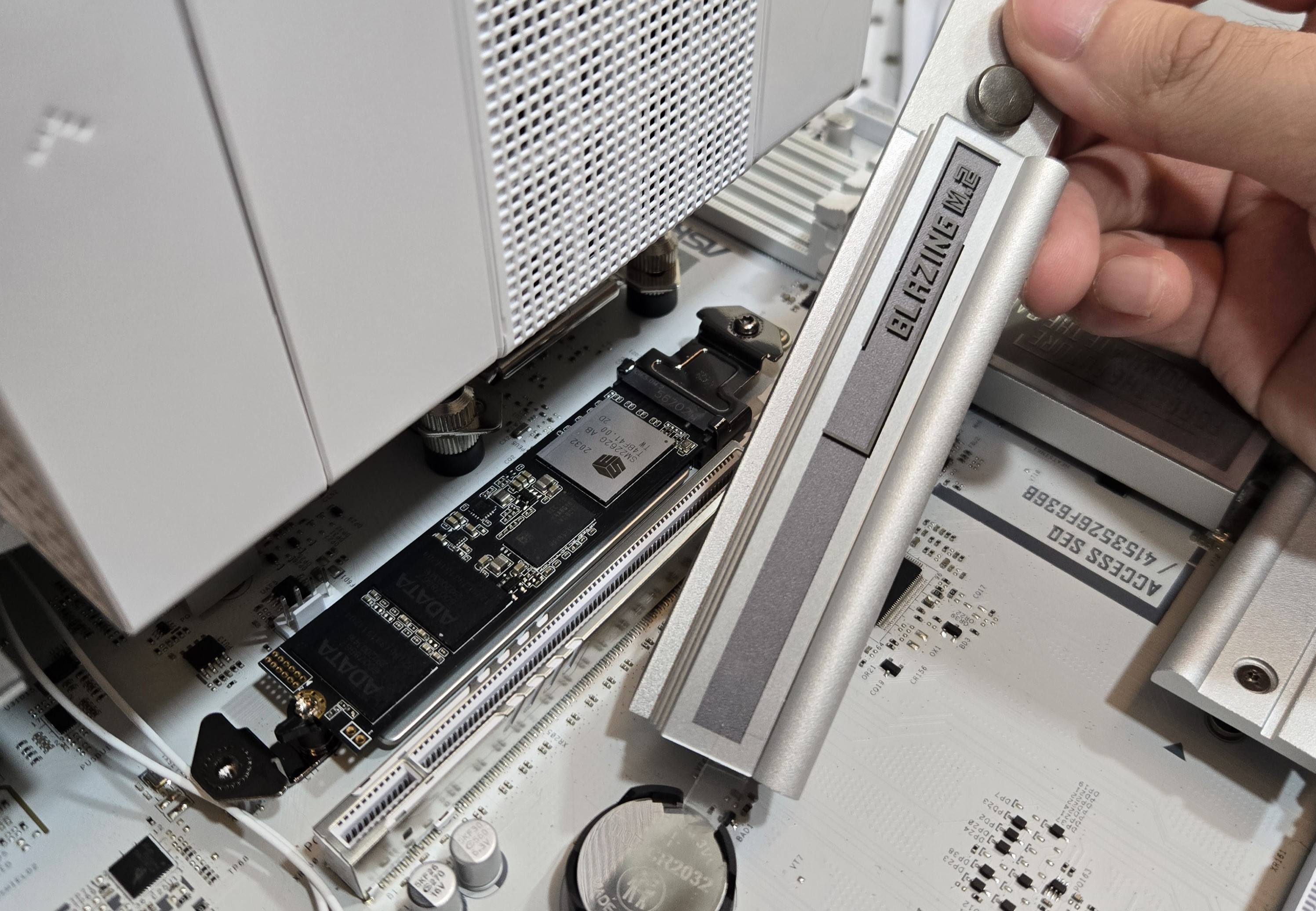
除了顏值出眾,這張主板也有許多對DIY玩家來說很便利的設計。M.2 SSD插槽有著方便的快拆設計,覆蓋其上的散熱片用料也十分扎實。雖說只有兩條M.2插槽略顯可惜,但是兩個開放式的PCIe X1插槽又給了玩家更多的選擇性。其他比較常見的,像是快速更新BIOS用的BIOS Flashback 、預裝的IO擋板等等都沒有少。
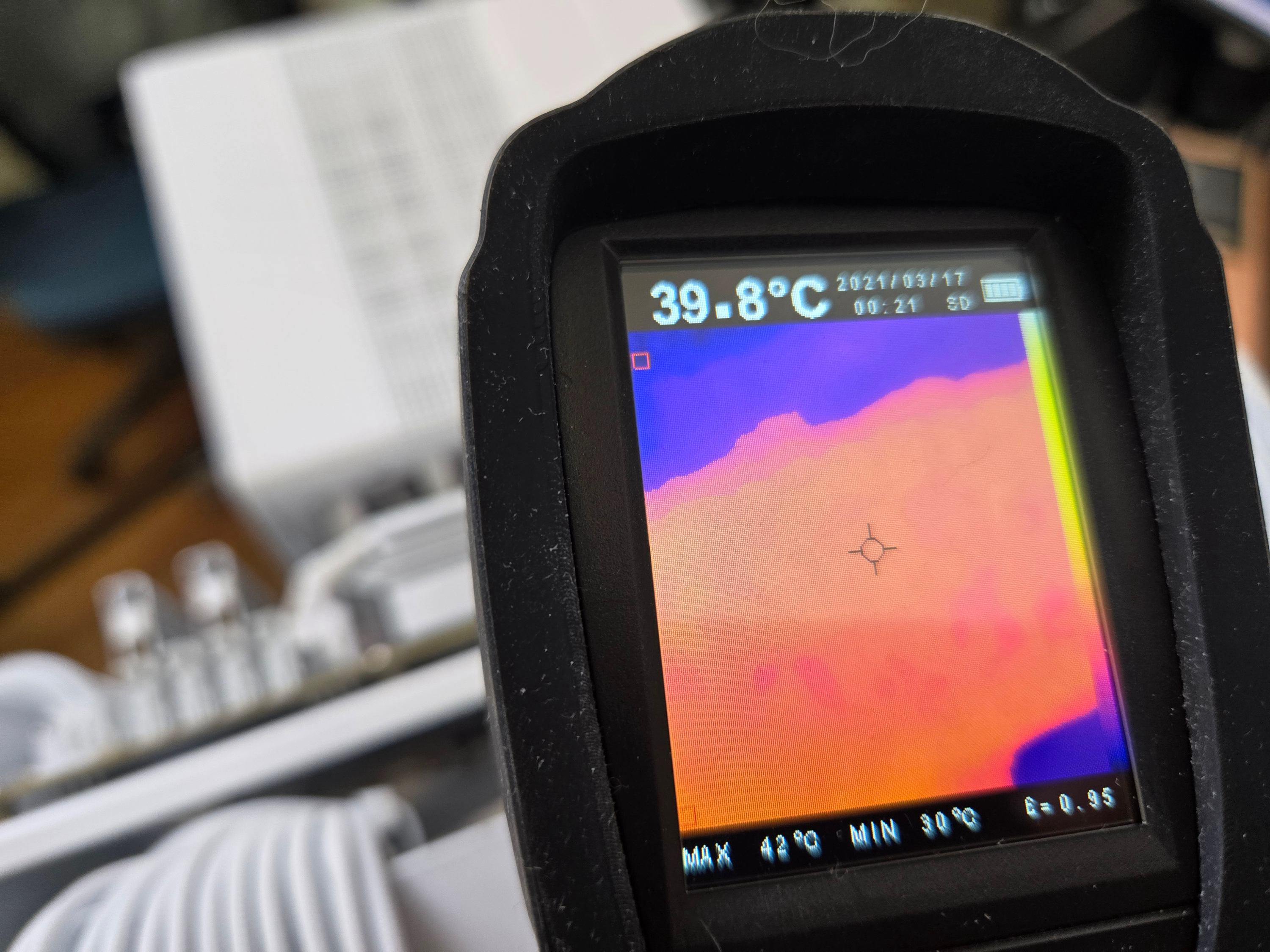
性能方面,12+2+1相供電搭配DR.MOS,即便你是要上R7、R9等級的CPU也不會構成壓力,我使用9700X 開啟PBO2 使用,供電部分溫度也始終保持良好,網路配置則給到了最新的 WiFi 7,確保遊戲連線的低延遲與穩定性。值得一提的是後方IO的Lightning電競鍵鼠埠,有著獨立USB控制器通道的USB連接埠,讓你在使用時不會因為其他USB設備干擾,也能讓4K、8K回報率的鍵鼠有更穩定的發揮。
兼顧顏值派的審美、實用派的功能以及 DIY 玩家的需求,這張主機板無疑是你打造純白遊戲主機時,兼具效能與荷包的好選擇。
「冰雪林中著此身,不同桃李混芳塵」 王冕-《白梅》
在這充滿RGB與硬派電競風的主板市場中,B850 Challenger WiFi White的一抹純白,真的展現了獨樹一格的設計美學。
白色主板在現今市場並不算少見,但很多都是「熊貓白」,即散熱片為白色,但 PCB 電路板、插槽等細節依舊維持黑色,但這張B850 Challenger WiFi White非常極致非常純粹,從 PCB、I/O 接口到記憶體插槽全數白化,甚至連AM5散熱扣具都是白的。配件上也絕不馬虎,白色SATA線以及白色WIFI天線都很到位,以往這類型「全白信仰」都要花大價錢去買到最頂級的主板,然而這張主板僅需普遍中階親民的價格就能到手,可以說是性價比純白主機的不二之選。
除了顏值出眾,這張主板也有許多對DIY玩家來說很便利的設計。M.2 SSD插槽有著方便的快拆設計,覆蓋其上的散熱片用料也十分扎實。雖說只有兩條M.2插槽略顯可惜,但是兩個開放式的PCIe X1插槽又給了玩家更多的選擇性。其他比較常見的,像是快速更新BIOS用的BIOS Flashback 、預裝的IO擋板等等都沒有少。
性能方面,12+2+1相供電搭配DR.MOS,即便你是要上R7、R9等級的CPU也不會構成壓力,我使用9700X 開啟PBO2 使用,供電部分溫度也始終保持良好,網路配置則給到了最新的 WiFi 7,確保遊戲連線的低延遲與穩定性。值得一提的是後方IO的Lightning電競鍵鼠埠,有著獨立USB控制器通道的USB連接埠,讓你在使用時不會因為其他USB設備干擾,也能讓4K、8K回報率的鍵鼠有更穩定的發揮。
兼顧顏值派的審美、實用派的功能以及 DIY 玩家的需求,這張主機板無疑是你打造純白遊戲主機時,兼具效能與荷包的好選擇。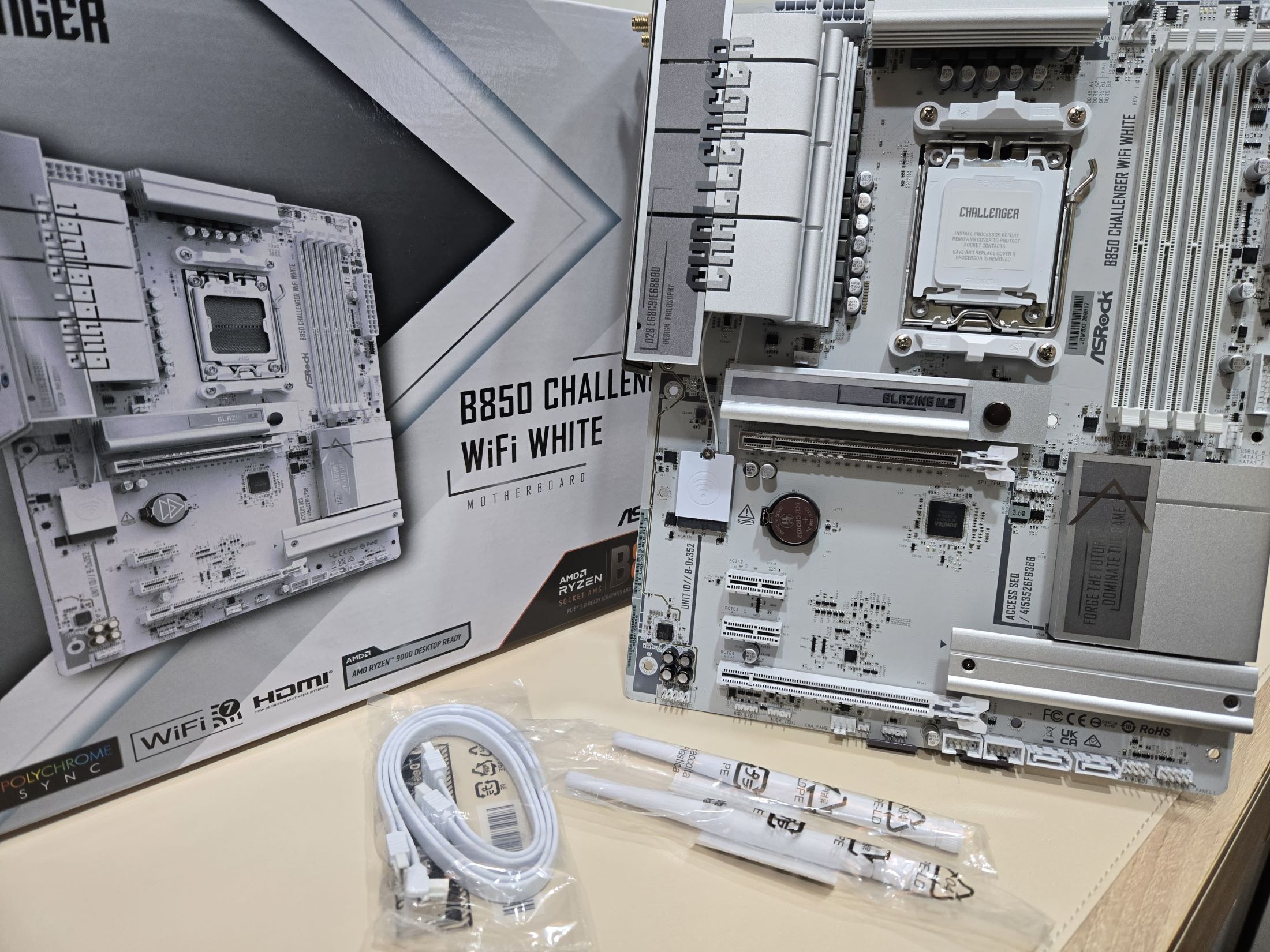
2025-12-08
開箱(UNBOXING)-極致且純粹的白
2025-12-11
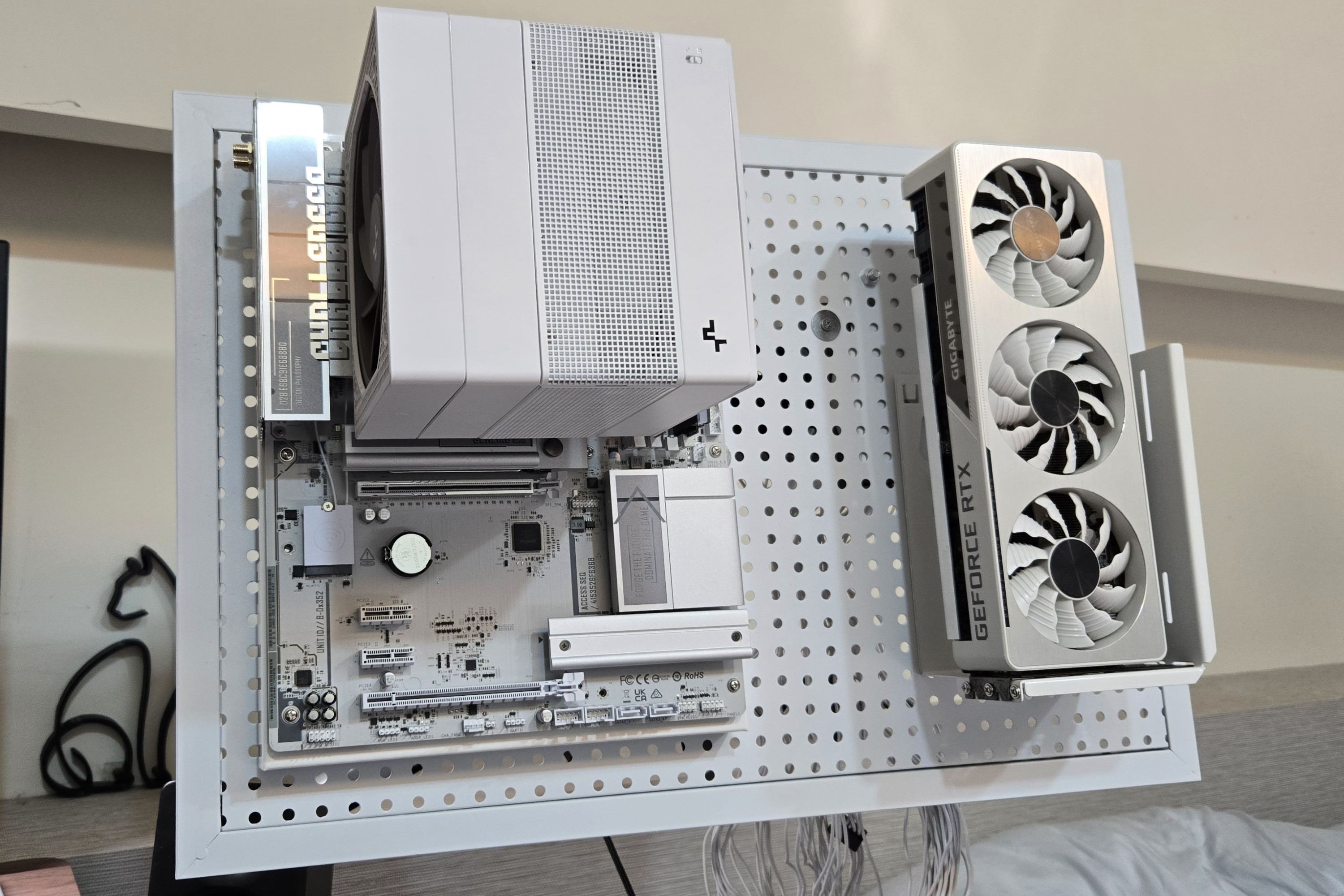
裝機(PC Building)-純白裸機風
2025-12-18
便利的M.2設計
2025-12-20
IO與記憶體插槽都是全白
2025-12-20
超頻燒CPU時的測量[背板]溫度-良好
2025-12-20
裝機(PC Building)-純白懸浮主體
2025-12-20